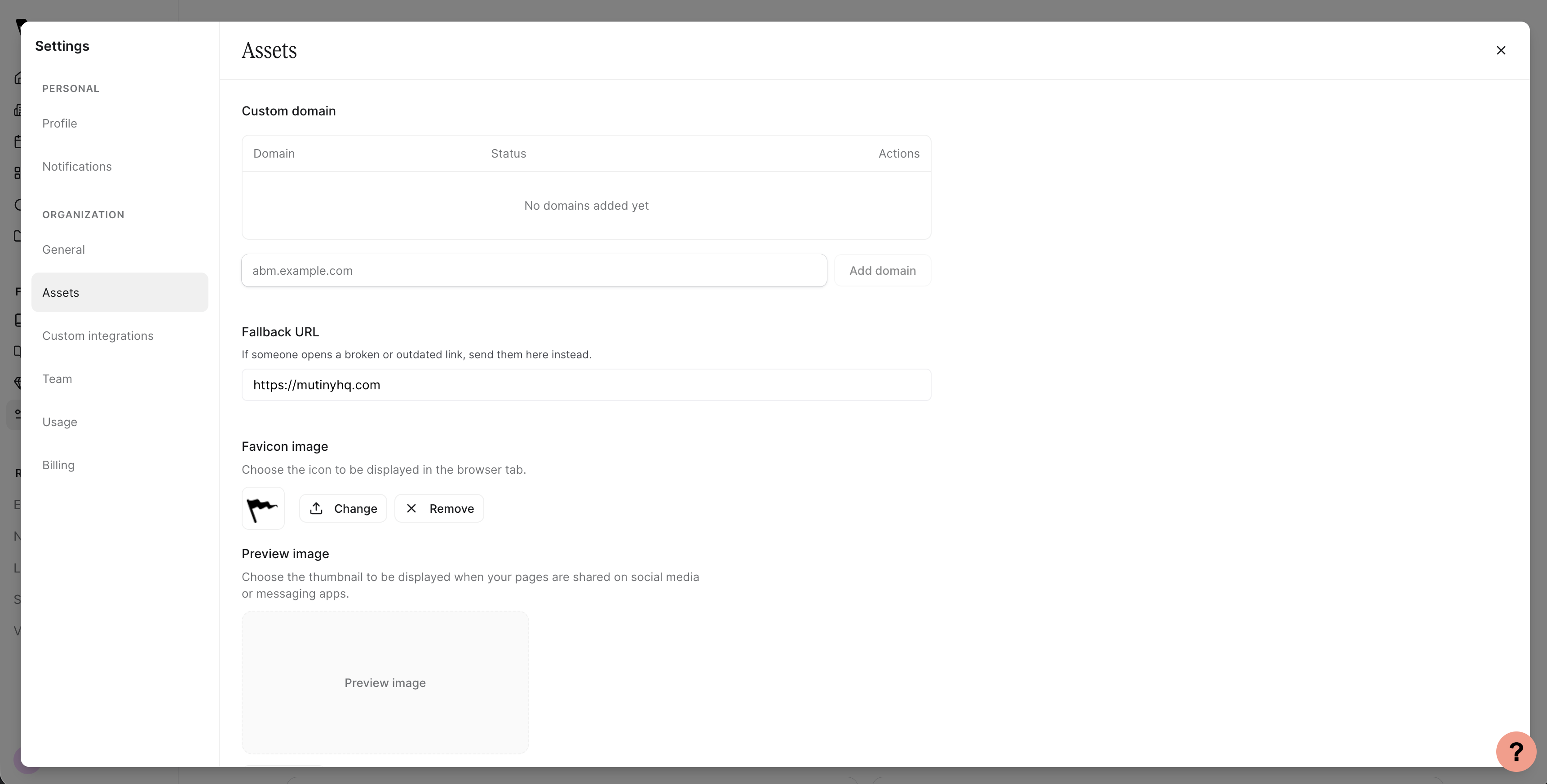
Changing your Fallback URL
The Fallback URL setting lets you choose where visitors land when they follow a broken or outdated link to one of your Mutiny assets. Instead of seeing an error page, they’ll be redirected to a URL you control.
Fallback URL is available on Business plans and above.
When your account is created, this setting defaults to your company domain
What is a 404 page?
A 404 page is the error page visitors see when a link no longer works. This happens when an asset has been deleted, unpublished, or its URL has changed. Setting a Fallback URL ensures visitors always land somewhere useful instead of hitting a dead end.
Setting your Fallback URL
Open the user menu in the bottom left corner and select Settings, then navigate to Assets. You’ll see a Fallback URL section. Enter the URL you want broken or outdated links to redirect to.