Sharing your Library Resources Directly
Last updated: September 1, 2026
Sometimes you want to get a resource in front of a prospect without building an asset around it. Resource sharing gives you a direct link to any resource in your library that you can drop into an email or a message.
Sharing a resource
Head to your library and find the resource you want to share. Click into it, then click Copy link.
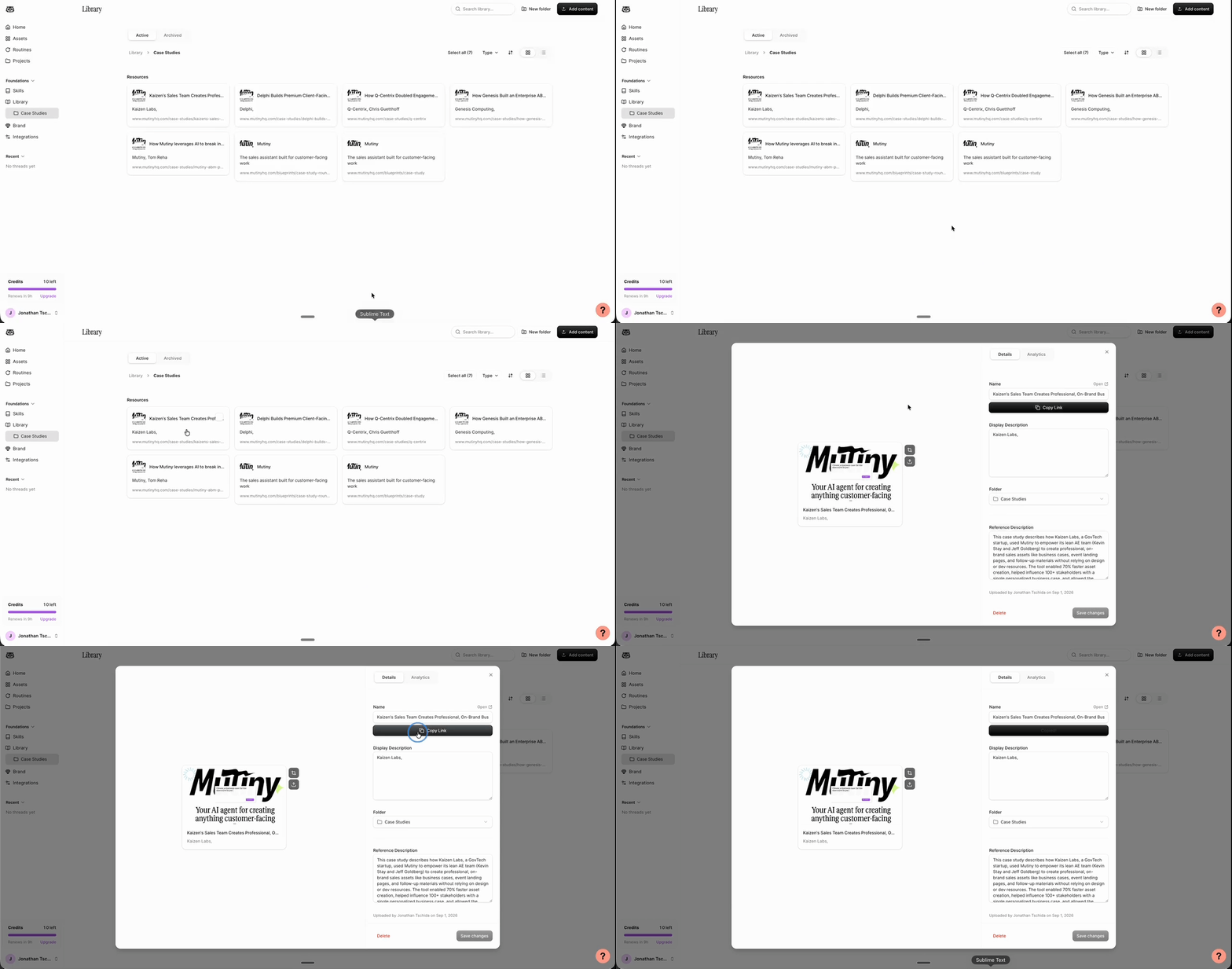
Share that link with your prospect, and they can view the resource directly.
This works well for videos, case studies, and documents you want to send on a one-off basis. For the most detailed analytics and a personalized experience, we still recommend building an asset around the resource.
Resource analytics
From the same view, switch to the Analytics tab for a quick read on how the resource is performing.
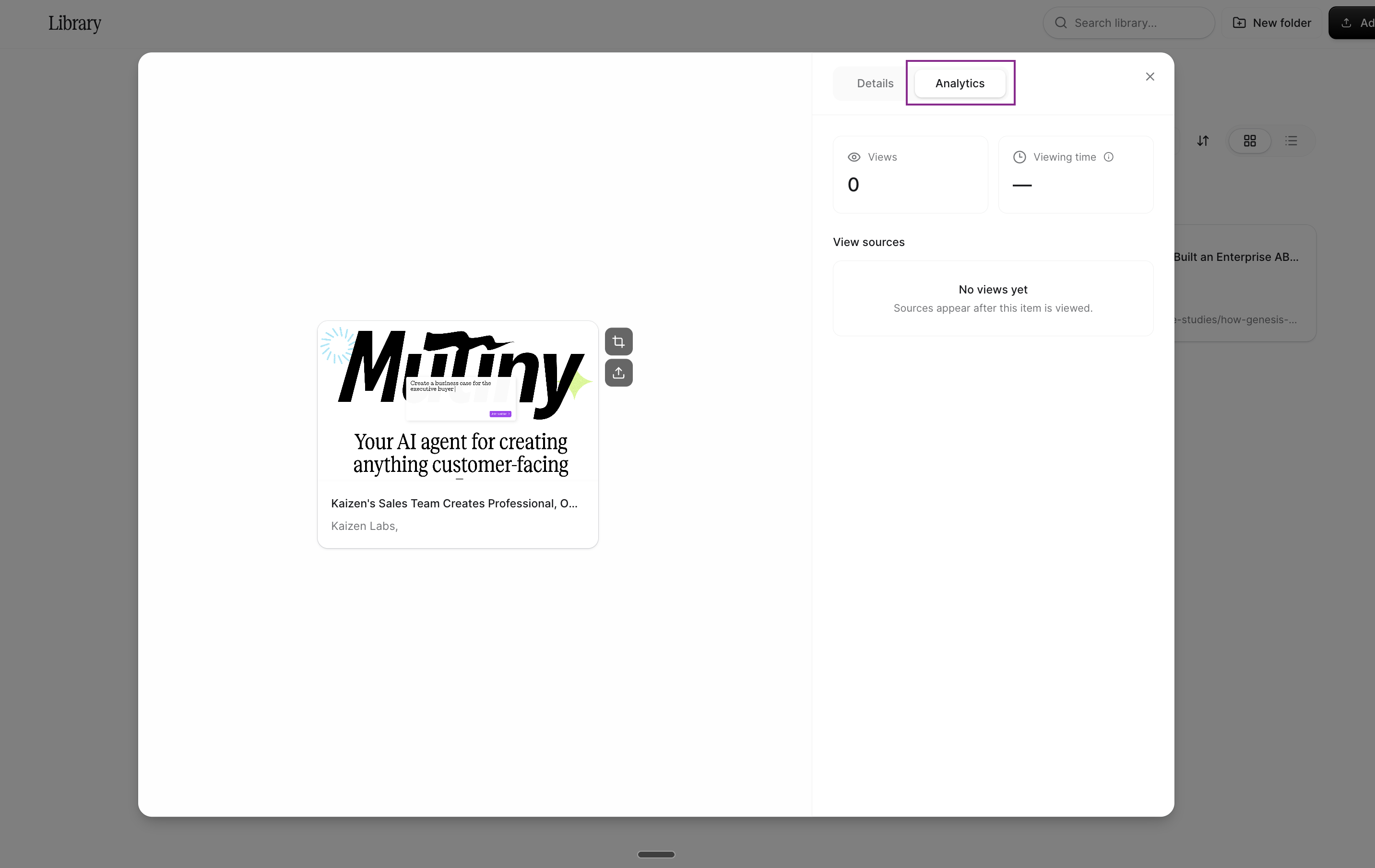
You'll see the number of times the resource has been viewed, the total active time across all views, and the sources those views came from.
Need Help?
If you have questions or need help, the Mutiny Support team is here for you! You can submit a support ticket using the Submit a ticket button at the top of this page, or reach us at support@mutinyhq.com.