TrackinLibrary Resource Views
Last updated: September 1, 2026
Every resource in your library tracks its own view data. Resource analytics show you which resources prospects are actually engaging with and how they got there.
Viewing resource analytics
Navigate to the resource in your library, click into it, then switch to the Analytics tab.
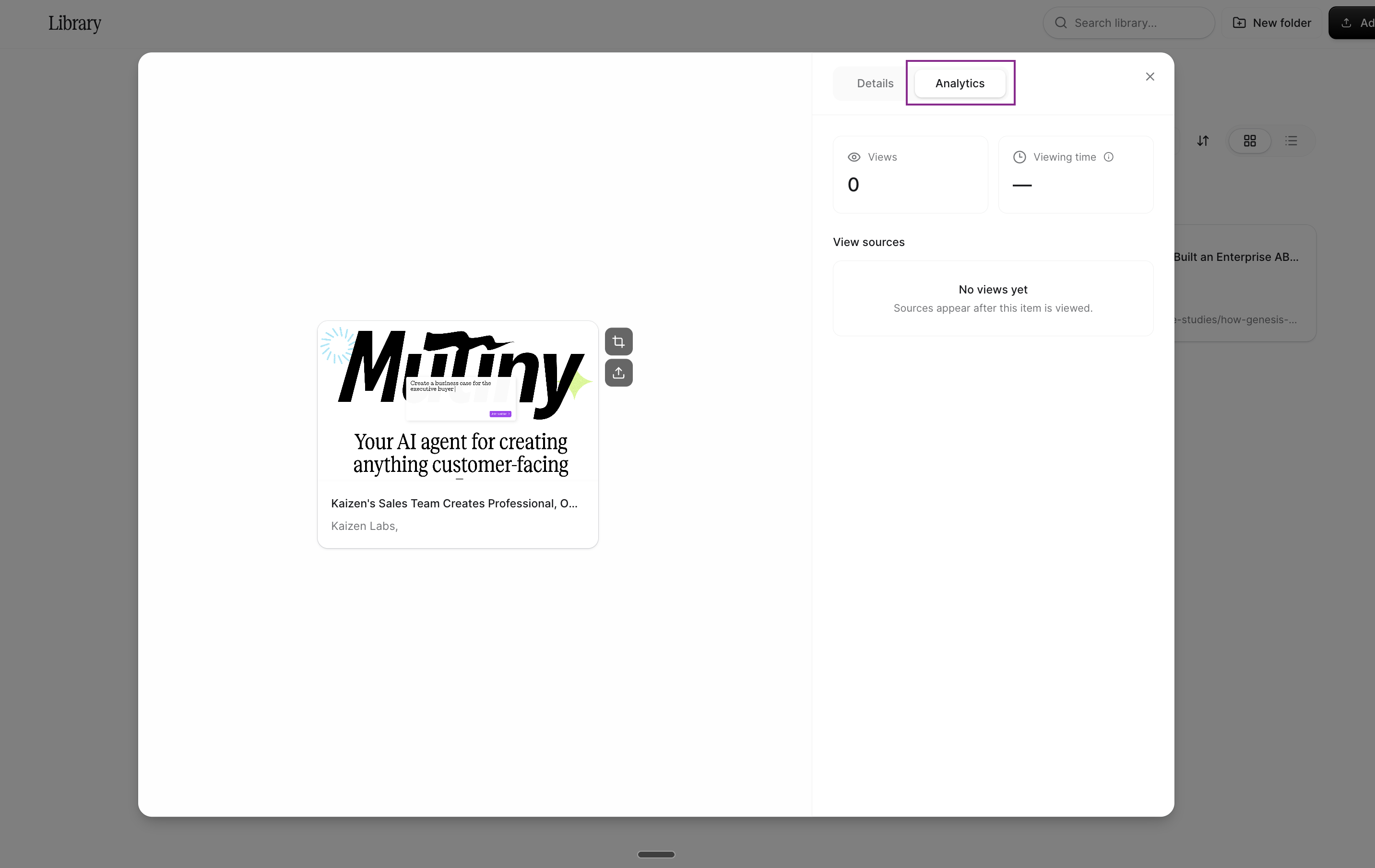
You'll get a bird's-eye view of the total number of views, the total time across all views, and the sources that led viewers to the resource.
View sources
Under View sources, you'll see which assets are sending viewers to this resource. This is the quickest way to tell which of your assets are driving engagement with a given resource.
Need Help?
If you have questions or need help, the Mutiny Support team is here for you! You can submit a support ticket using the Submit a ticket button at the top of this page, or reach us at support@mutinyhq.com.