Adding New Users to Mutiny
Last updated: August 19, 2026
You can easily bring your teammates into Mutiny from the Team settings in the settings modal.
Related learning: 📄 Managing Your Team in Mutiny
Viewing Your Team
To get started, open the settings modal and click Team.
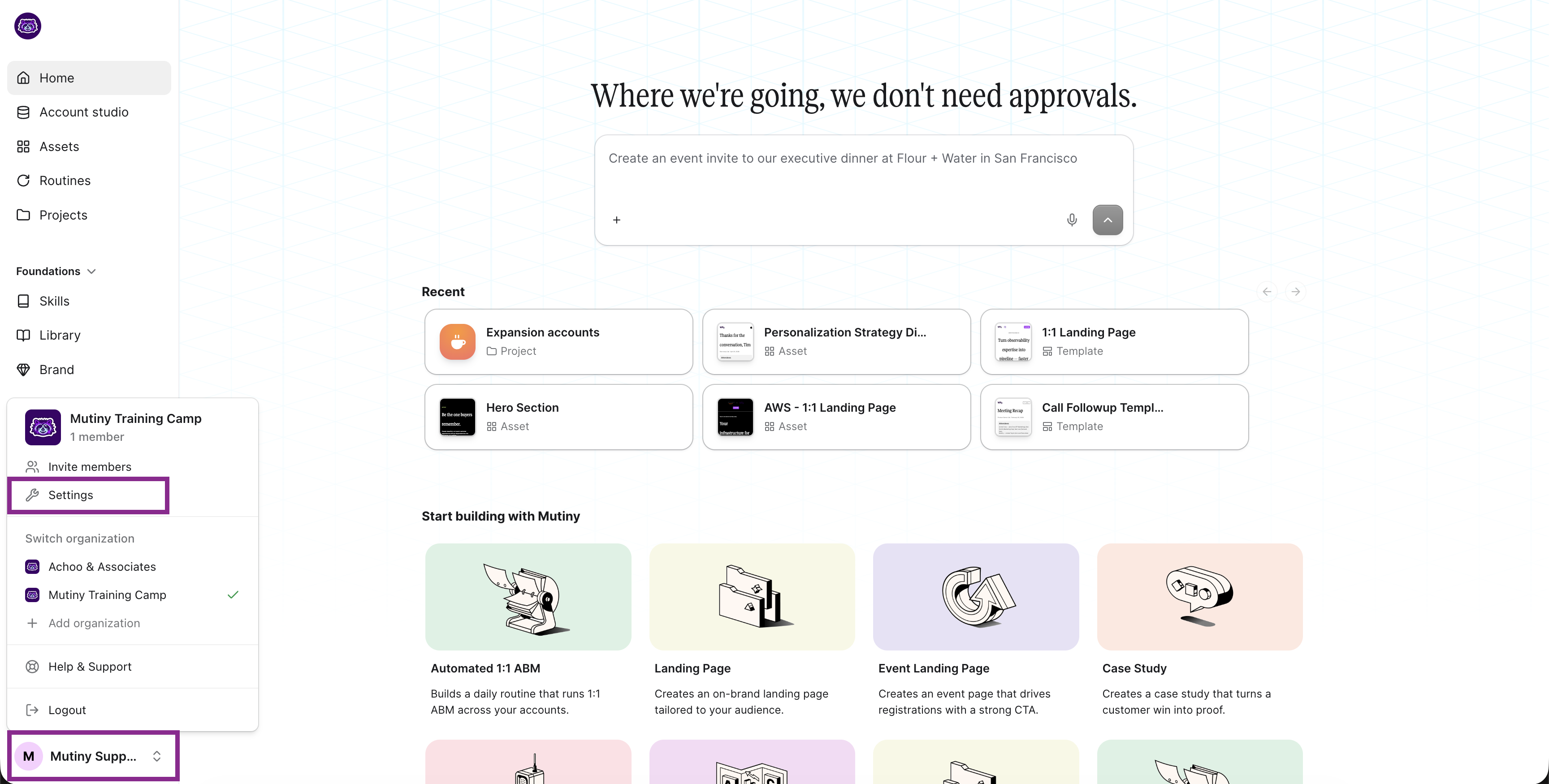
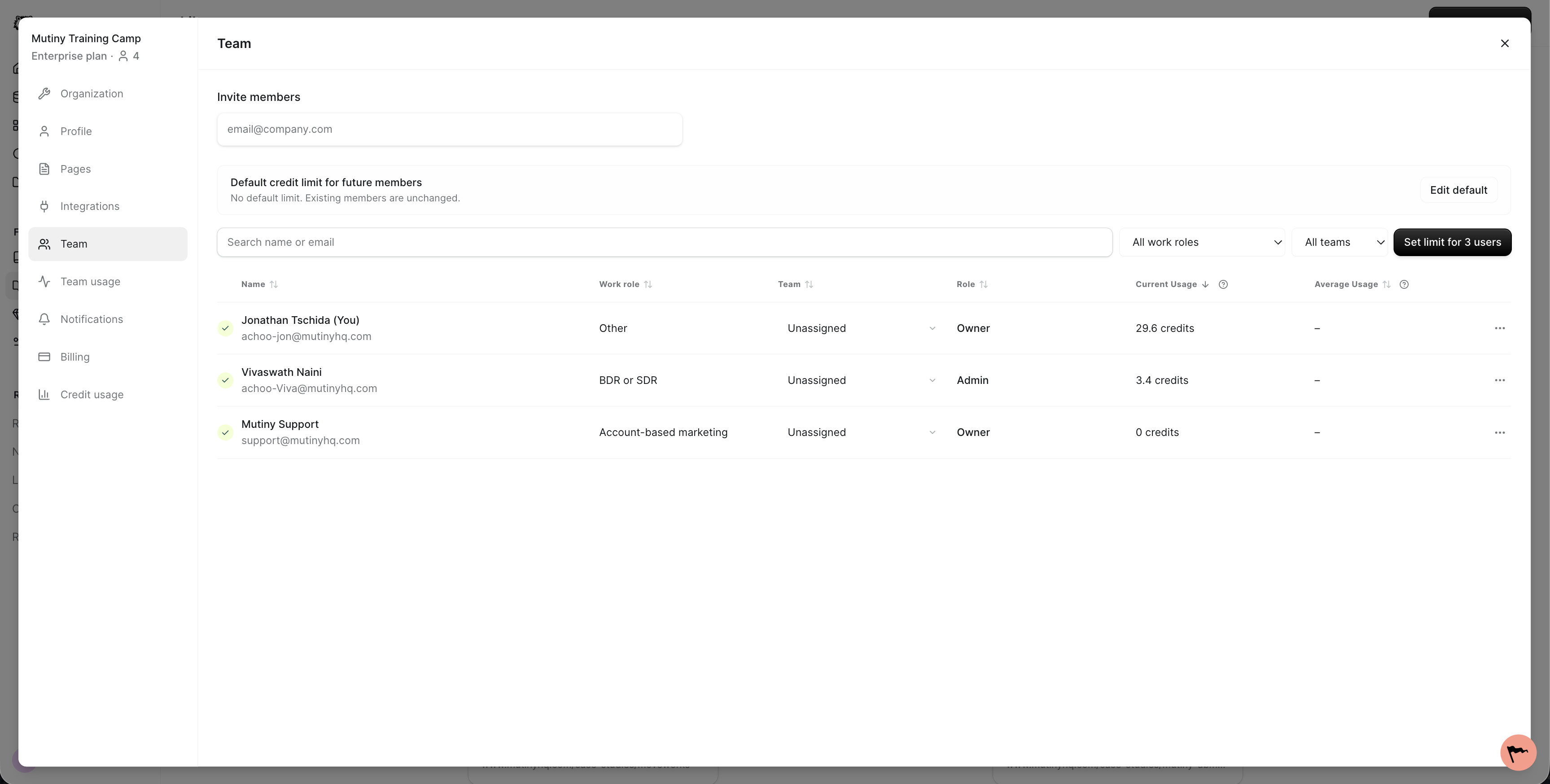
The team page shows every member in your workspace, along with their current role and status. You can use this view to get a quick snapshot of who has access and what level of permissions they have.
Inviting New Members
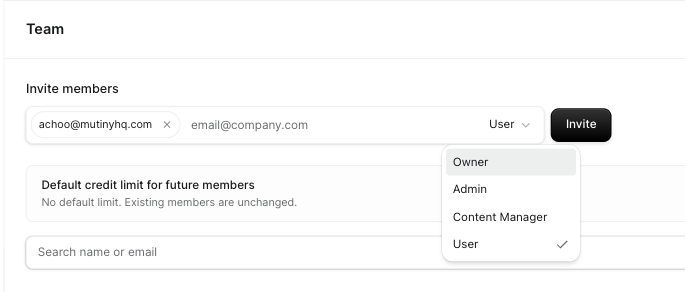
To invite someone, enter their email address in the invite members field and select their role from the dropdown.
Choosing a Role
The role dropdown offers:
Admin — manages roles, page settings, integrations, and SSO
Content Manager — everything a User can do, plus managing your Brand and your Library
User — uses the product and sets up integrations
Full details on each role: 📄 Managing Your Team
FAQ
Can I see which users logged into Mutiny and what they did?
Mutiny does not currently show when users last logged in, or show the activities taken in Mutiny.
Need Help?
If you have questions or need help, the Mutiny Support team is here for you! You can submit a support ticket using the Submit a ticket button at the top of this page, or reach us at support@mutinyhq.com.