Automating Followups from Call Transcripts
Last updated: June 30, 2026
Mutiny can turn your call transcripts into meaningful follow-ups in minutes. Point the agent at your recent calls, and it will draft emails, build on-brand assets, and create tasks based on what was actually discussed. Once you refine your workflow, you can turn it into a routine that runs automatically.
Connecting Call Transcript tools
Mutiny connects to your call transcript tools so the agent can pull your transcripts directly. Once connected, you can ask the agent to look at your calls from a given day and use those transcripts as the starting point for follow-ups.
Below are articles related to connecting your tools:
Generating follow-up assets from your calls
Ask the agent to use your transcripts to create follow-ups. The agent reads through each call, pulls out the people, context, and next steps that were discussed, and drafts follow-ups for every account.
Look at my recent calls in Gong, and generate followup assets for each.
A single prompt can cover several calls at once. The agent works through each transcript and produces bespoke recaps and drafted emails for each account in the same thread.
Reviewing and customizing
After the agent builds the first asset, it checks whether you like it before creating the rest.
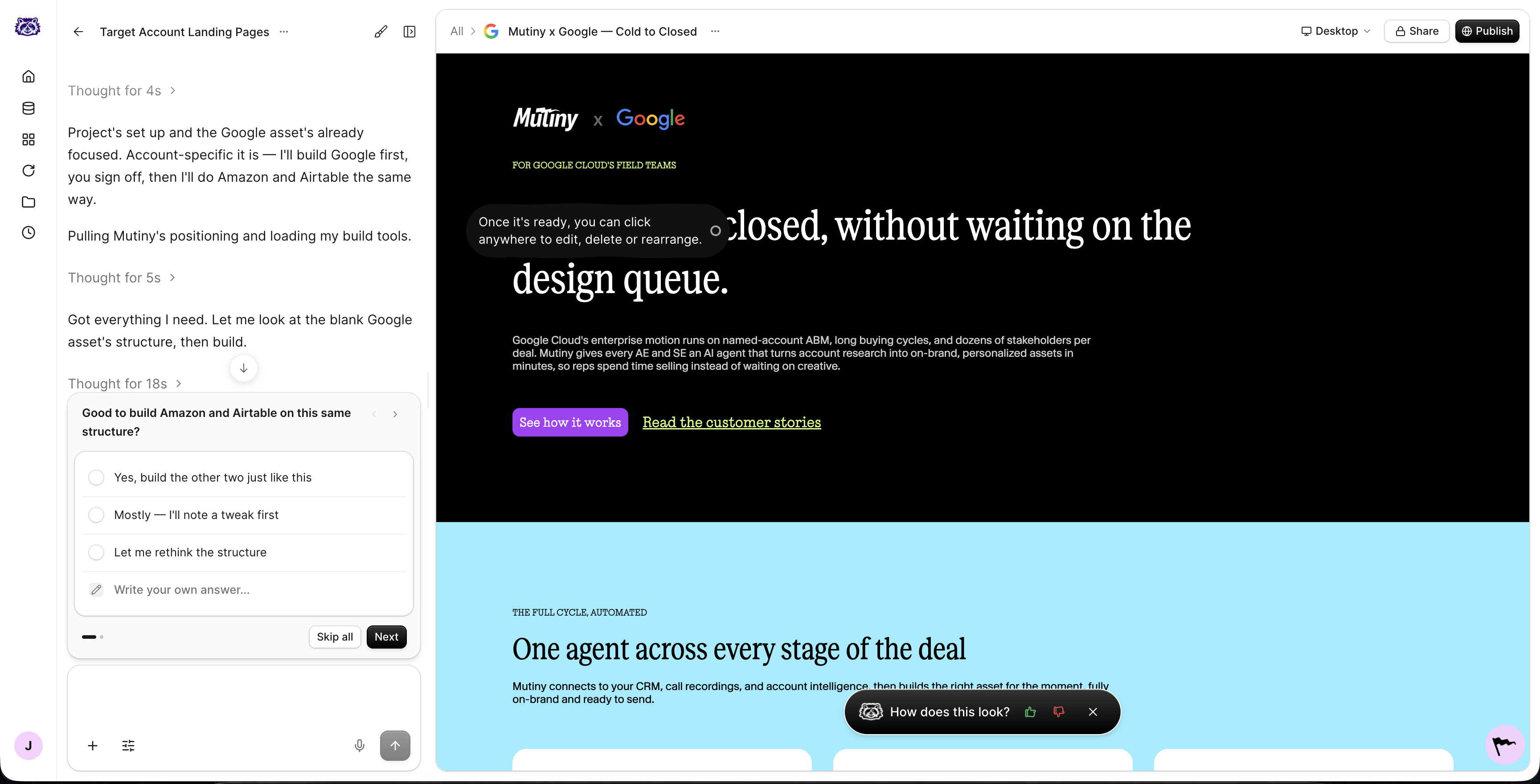
You can tweak the result by prompting the agent, for example asking it to change any next steps or make a custom interactive component like a scoreboard or an ROI or renewal calculator. Once you are happy, the agent uses that asset as a template and builds the rest for every account with a transcript.
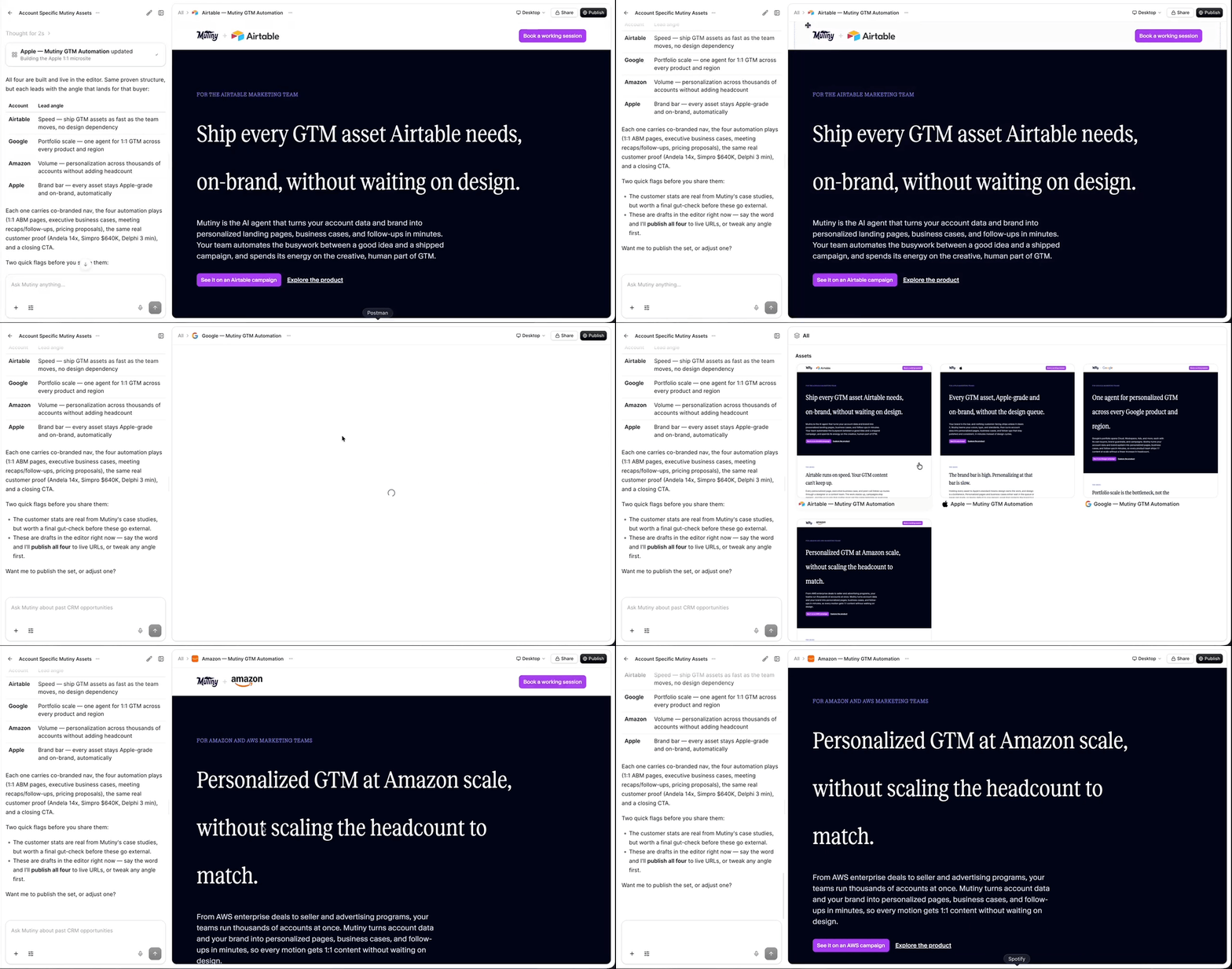
All of the assets sit in the same thread, so it is easy to review them in one place.
Using personal integrations
Alongside call transcript tools, you can connect personal integrations that are scoped just to you. If you draft emails in Gmail, a personal Gmail integration lets the agent draft those emails for you, or add a reminder to your calendar with the emails drafted and ready.
Turning your workflow into a routine
When you refine your workflow, you can turn it into a routine so it runs automatically. From any thread, you can ask the agent to create a routine. From then on, Mutiny handles the busywork for you, whether that is pulling transcripts, drafting follow-up emails, or building recaps.
Routines are not limited to one-pagers. You can set one up to write an internal report on your calls for the day, or to answer questions about what was discussed across your calls.
Need Help?
If you have questions or need help, the Mutiny Support team is here for you! You can submit a support ticket using the Submit a ticket button at the top of this page, or reach us at support@mutinyhq.com.