Asset Editor Insert Tab
Last updated: April 6, 2026
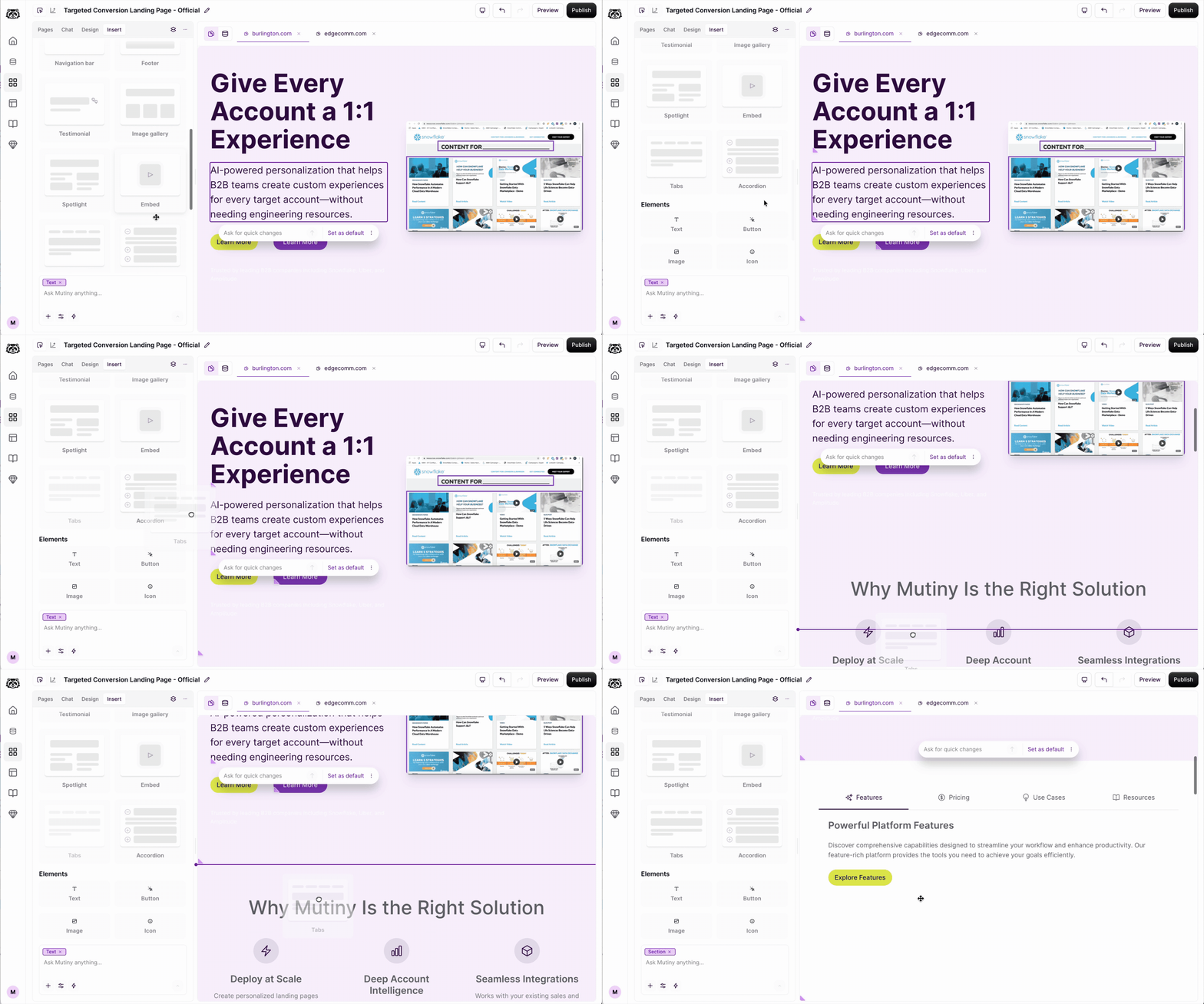
The Insert tab contains a collection of block templates (testimonial, logo bar, etc) and page elements (buttons, images, etc) you can drag and drop into your Mutiny asset.
Adding Blocks & Elements
To get started, click on the Insert tab in the editor. This will reveal a collection of pre-created block templates that you can place on the page. To add a block, just drag and drop it to the desired section on the page.
The same can be done with different page elements, such as adding a button to your page
Editing blocks and Elements
All of these blocks and elements can be edited via the Design tab or by asking the Creative Agent via the Chat tab
Need Help?
If you have questions or need help, the Mutiny Support team is here for you! You can submit a support ticket using the Submit a ticket button at the top of this page, or reach us at support@mutinyhq.com.