Projects Overview
Last updated: June 22, 2026
Projects are Mutiny's way to organize your work and collaborate with your team around a shared goal. Whether you're focused on expansion accounts, net new pipeline, or any other initiative, Projects keep your assets and conversations in one place.
Finding Projects
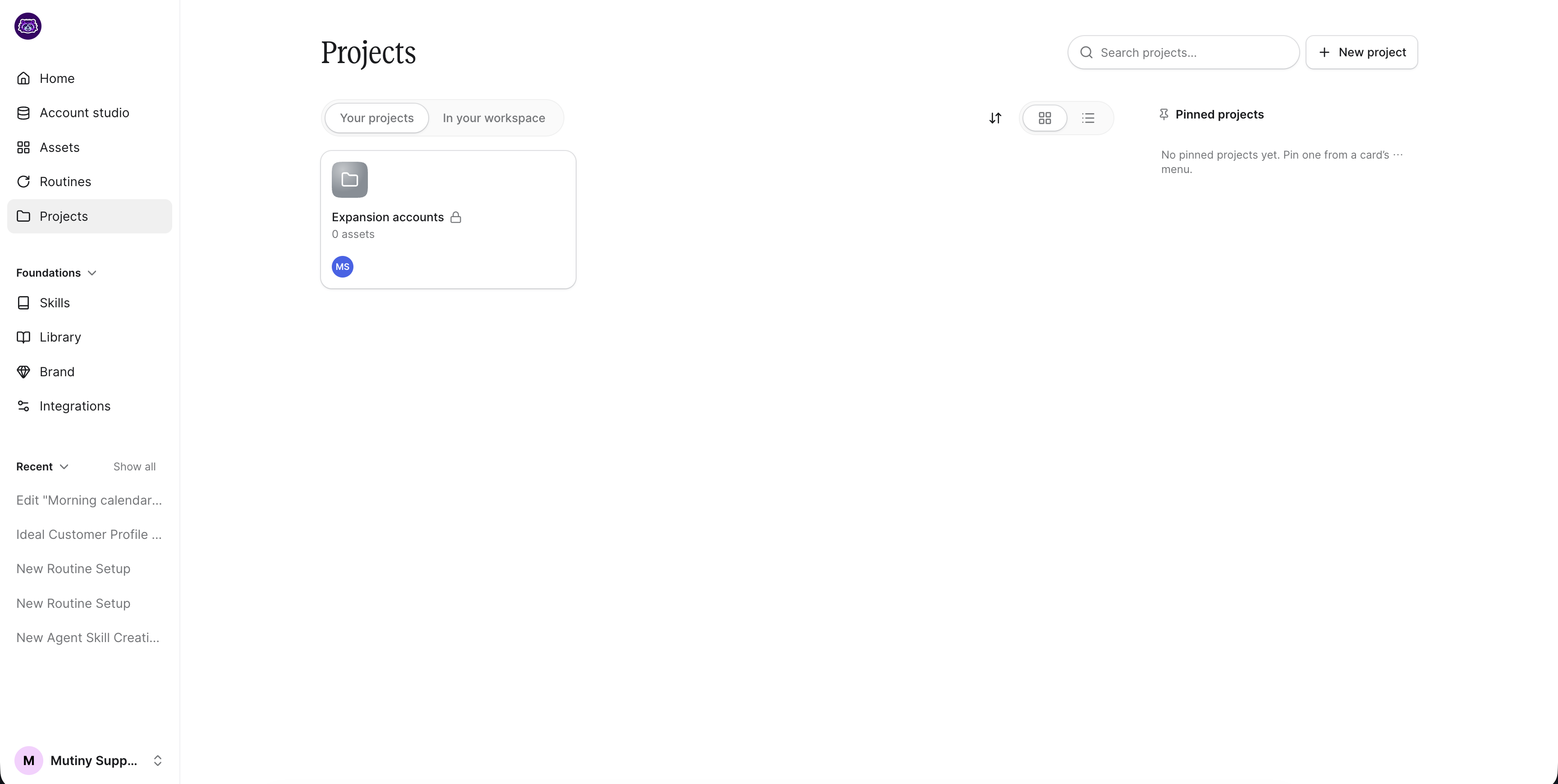
Access Projects from the Projects tab in the left sidebar. At the top, you can switch between Your Projects and In Your Workspace, giving you visibility into what your teammates are working on.
Creating a Project
Click the + New Project button in the top right. Give the project a name and, optionally, an objective. The objective field is a great way to keep everyone aligned on what the project is for and what you're trying to accomplish.
Once created, the project appears under Your Projects on the Projects page.
Managing a Project
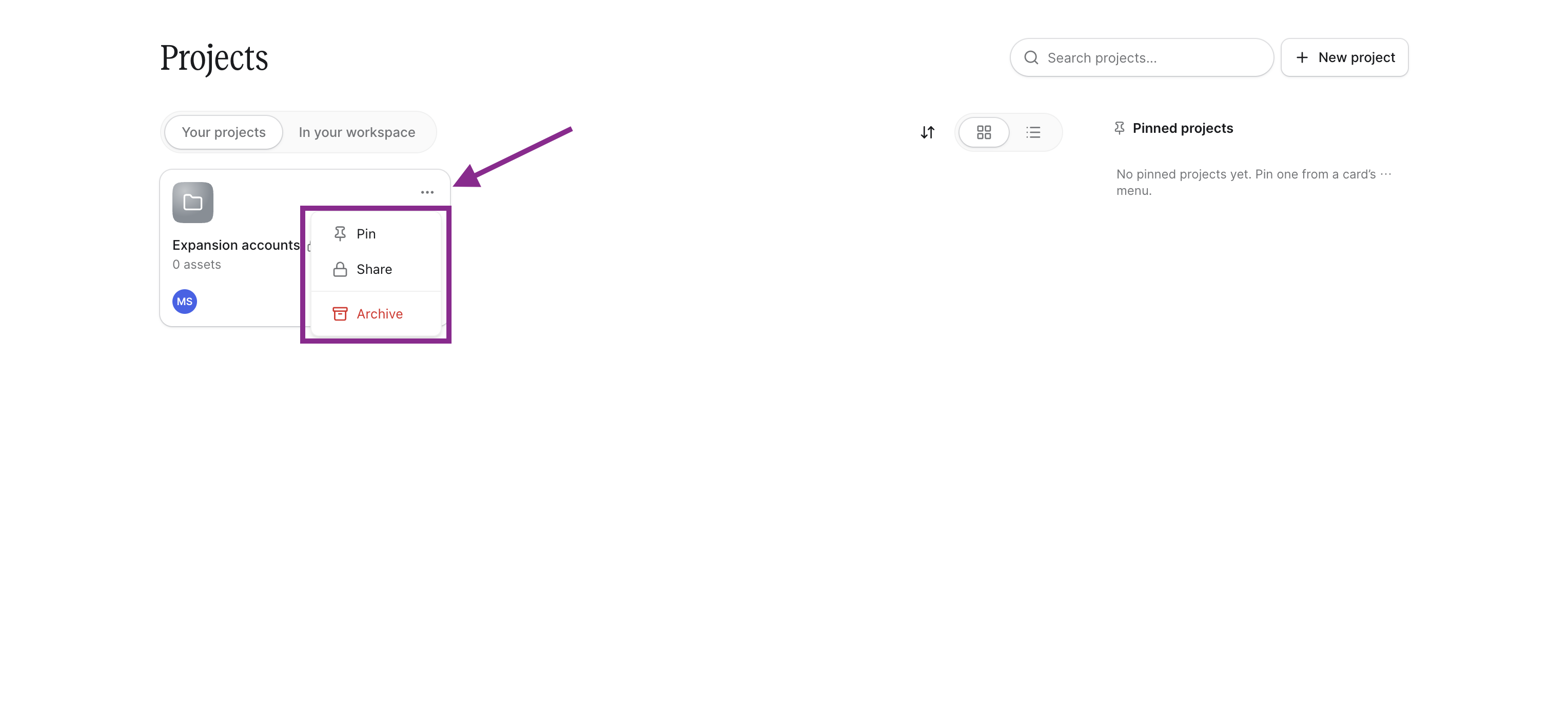
Hover over the project card, and use the three-dot menu on any project card to pin it to the top of your list or share it with your team.
Click into a project to manage it further. From inside the project, you can:
Rename the project
Set a custom icon
Update the description
View related assets and threads tied to this project
Start a new thread directly within the project
Collaborating with Your Team
Starting threads inside a project keeps all work for a given objective in one place. It makes it easy for teammates to find context, pick up where you left off, and contribute to a shared goal without digging through unrelated conversations.
Need Help?
If you have questions or need help, the Mutiny Support team is here for you! You can submit a support ticket using the Submit a ticket button at the top of this page, or reach us at support@mutinyhq.com.