Integrating with Notion
Last updated: May 15, 2026
Mutiny integrations are connected via Pipedream. You can learn more about Pipedream here:
With the Notion integration enabled, you can pull Notion docs into Mutiny for asset creation or account research. You can connect Notion on the organization level or on the personal level. When enabled on an organization level, the connected Notion instance will be available for all users on your Mutiny instance.
Only Admins or Owners will be able to enable organization integrations
Connecting to Notion
To get started, head to the integrations page in Mutiny
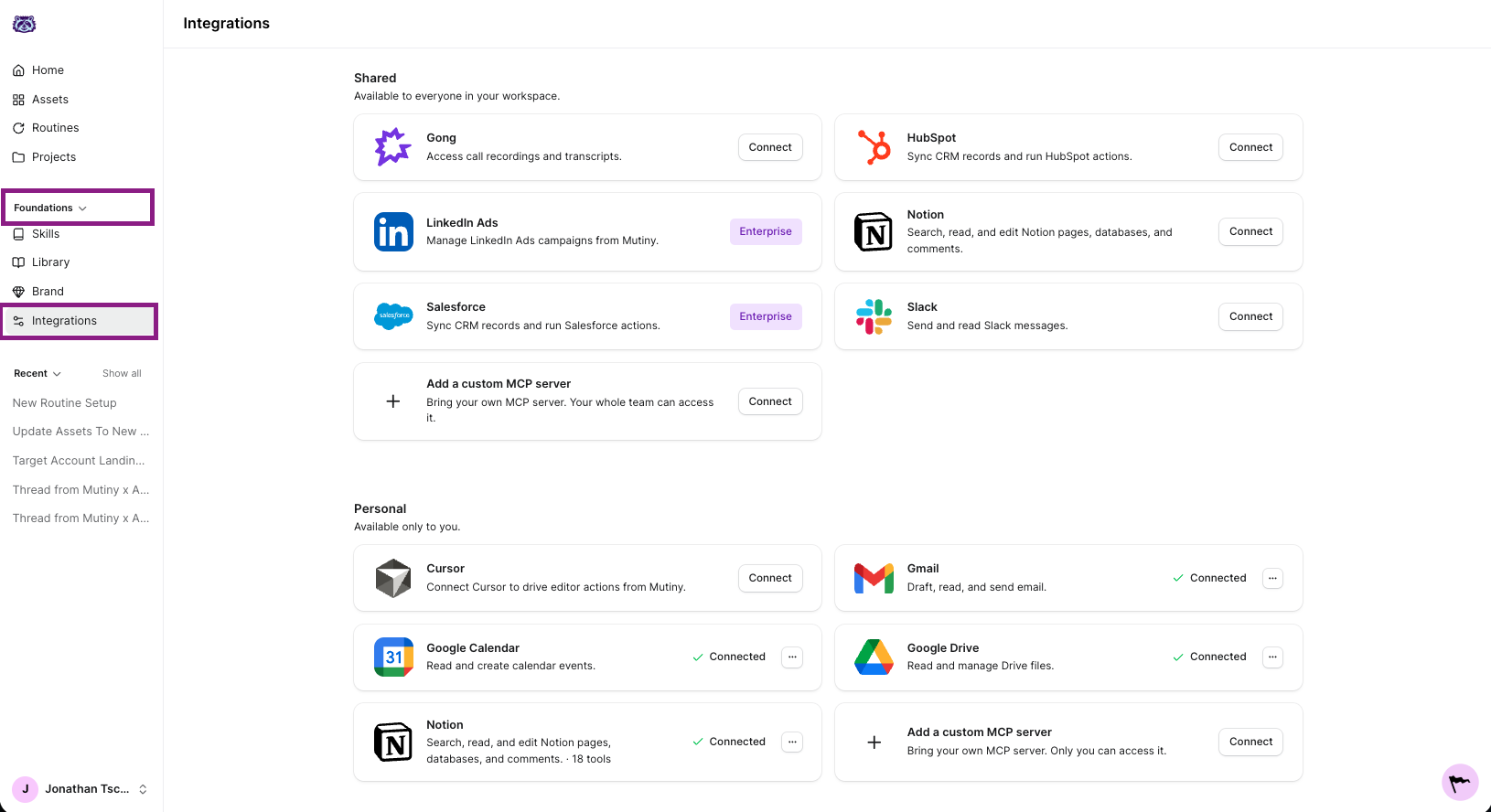
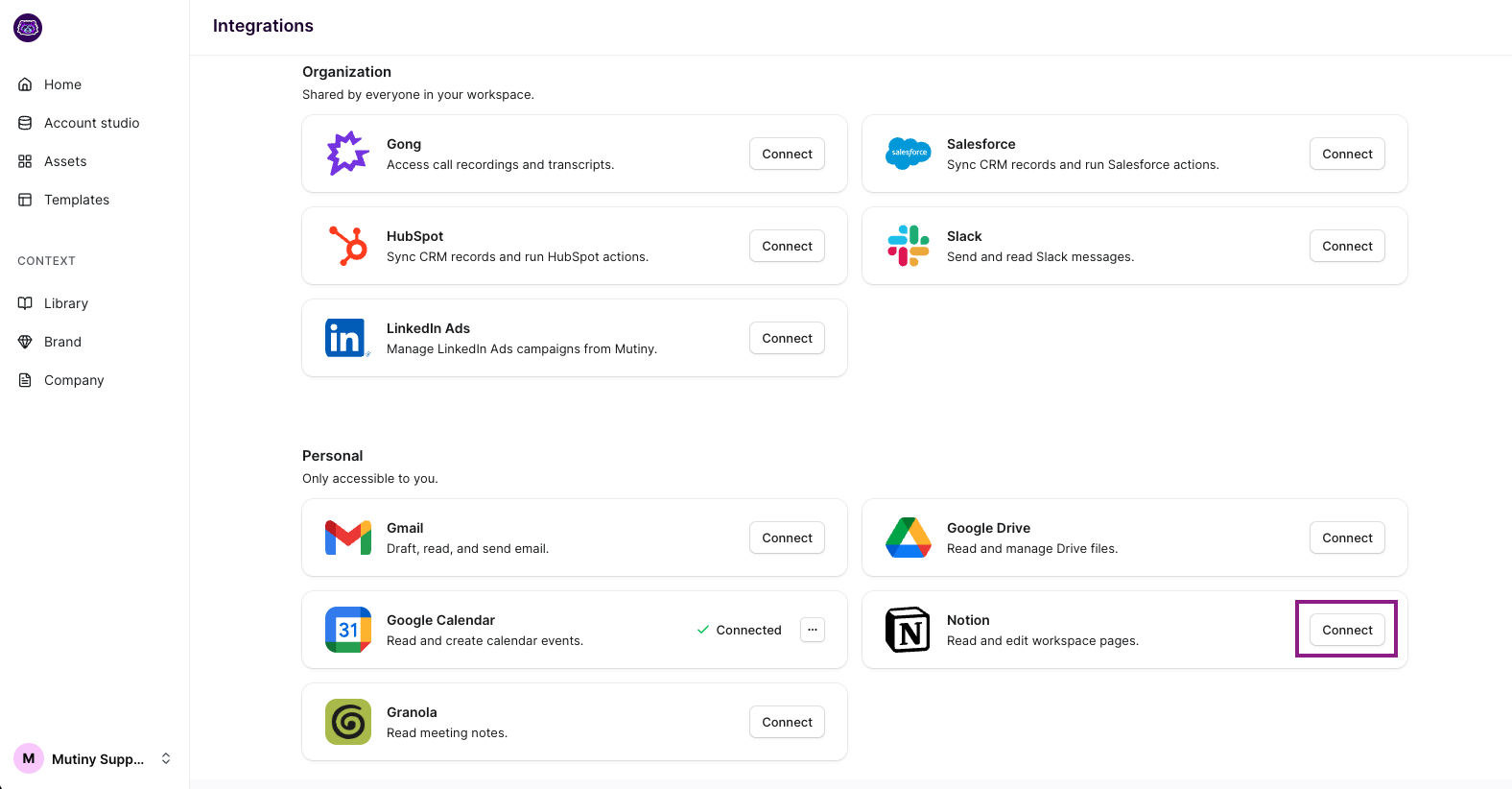
On the Notion integration card, click Connect - This will launch the Pipedream connection modal. Complete the connection steps through this Modal to connect to Mutiny. During this process, you will be able to choose which pages or workspaces you want Mutiny to have access to.
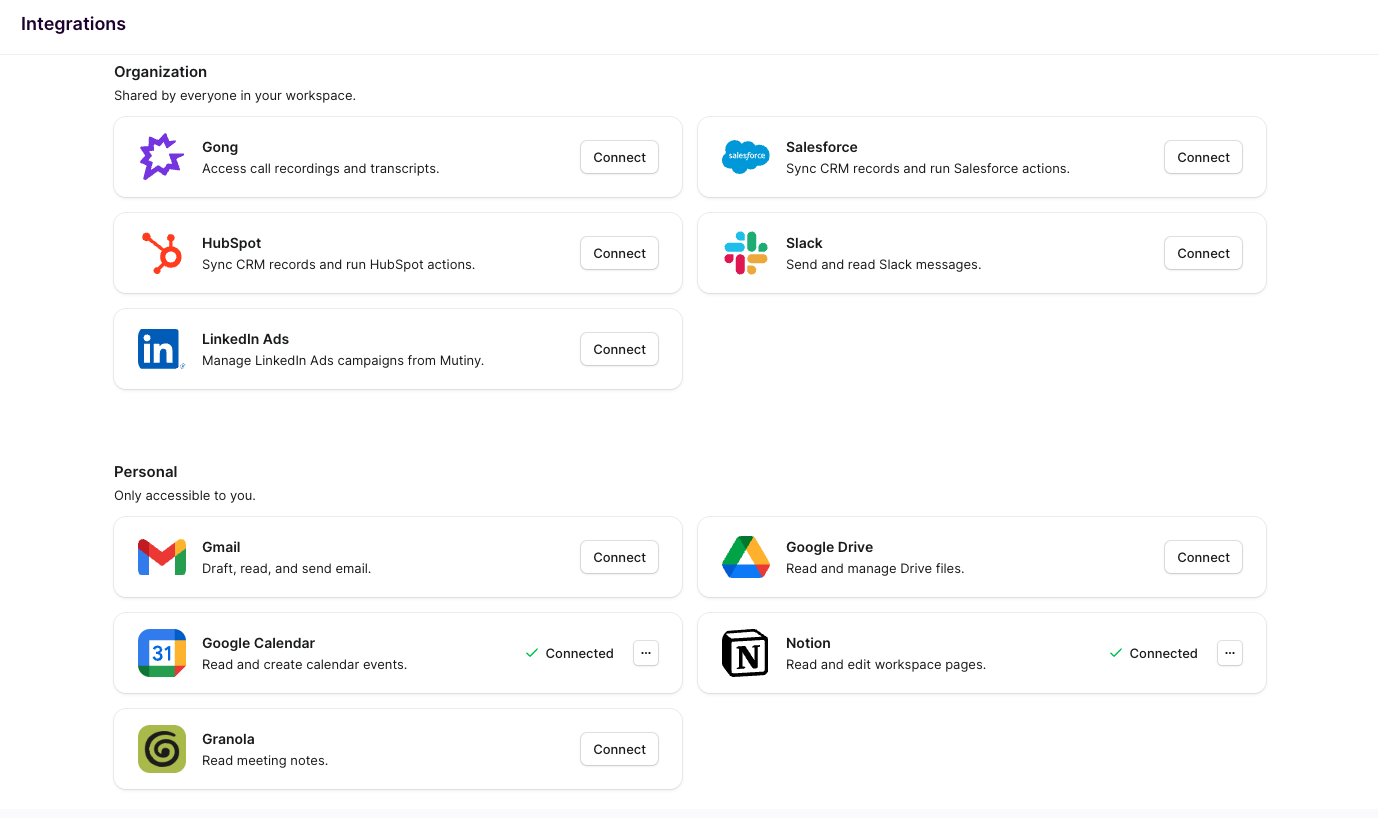
After going through the steps, you will see the integration card now says Connected
Using the Integration
With Notion connected, the Mutiny agent can pull real content from your workspace into assets. Things like:
Turning a Notion product brief, launch doc, or strategy memo into a landing page, one-pager, or deck.
Pulling messaging, positioning, or ICP notes from your Notion docs so copy matches what your team already wrote.
Sourcing customer quotes, case study notes, or research findings stored in Notion for testimonials and proof sections.
Disconnecting
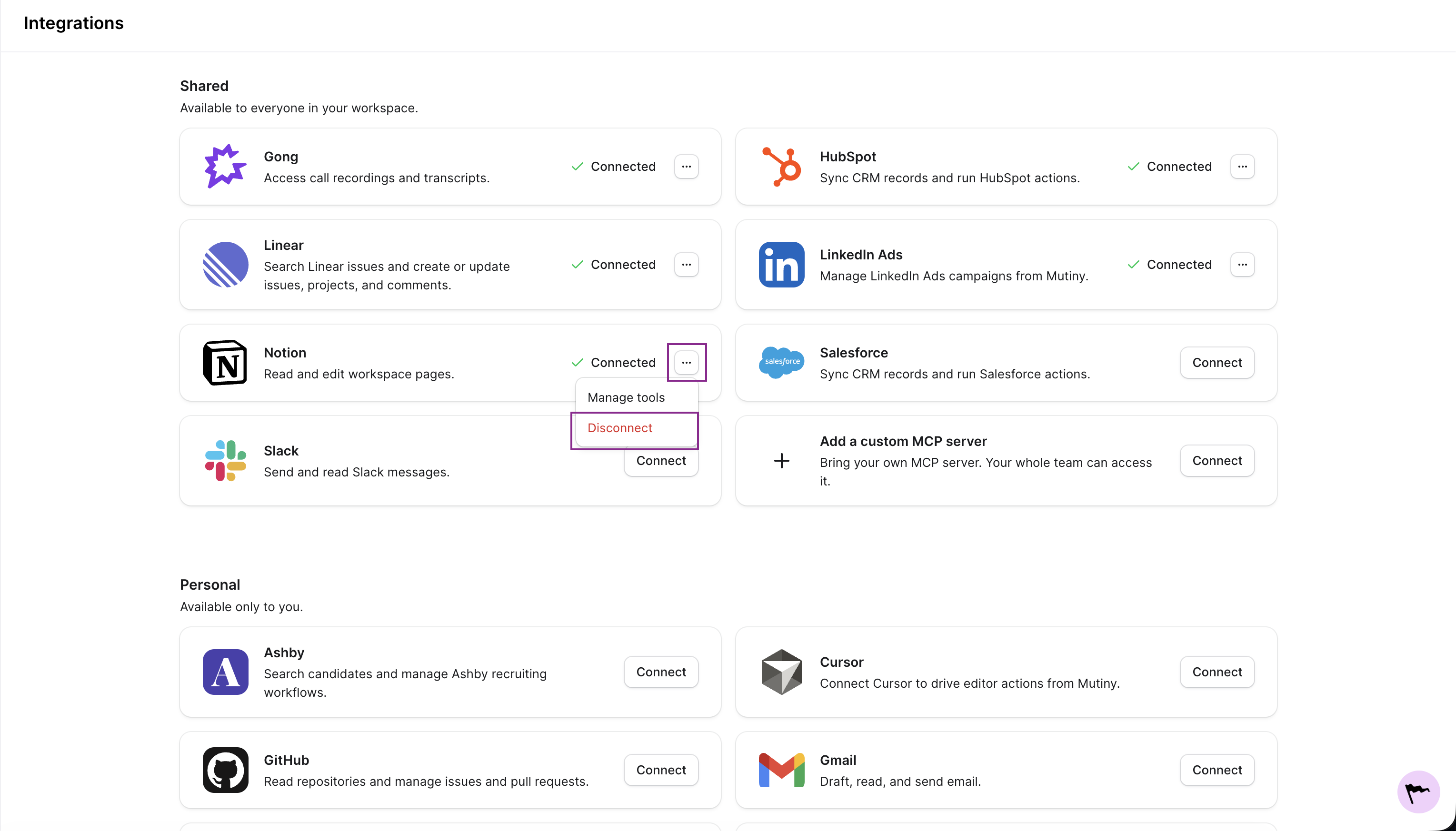
You can disconnect any integration from the three-dot menu on the integration card
Need Help?
If you have questions or need help, the Mutiny Support team is here for you! You can submit a support ticket using the Submit a ticket button at the top of this page, or reach us at support@mutinyhq.com.