Brand Settings: Colors
Last updated: June 24, 2026
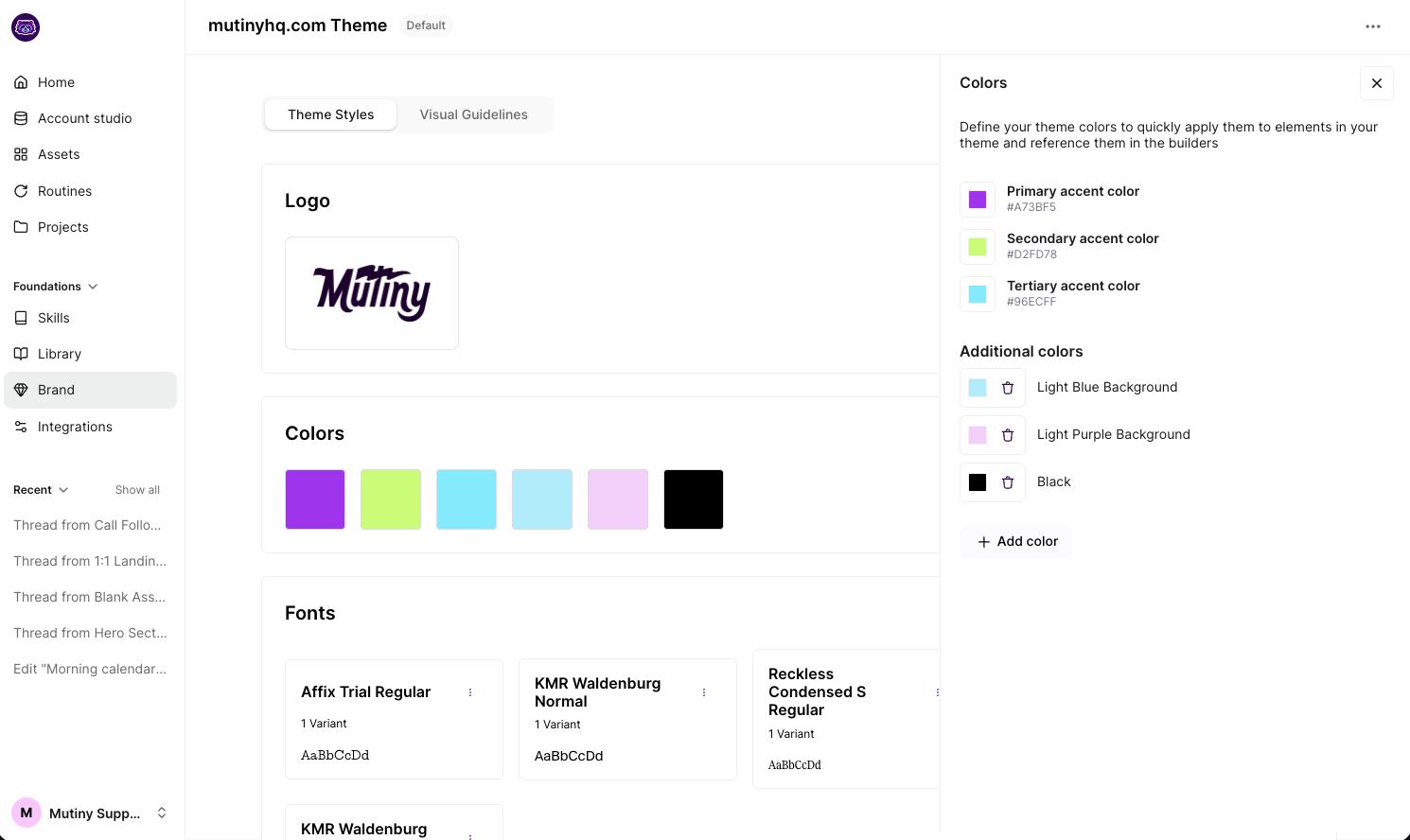
The Colors card lets you define your brand’s core color palette, including primary, secondary, and tertiary accent colors. These colors can then be easily applied to elements throughout your assets, ensuring visual consistency and making it simple to stay on-brand.
You can view the color settings by clicking Edit in the Colors card.
Need Help?
If you have questions or need help, the Mutiny Support team is here for you! You can submit a support ticket using the Submit a ticket button at the top of this page, or reach us at support@mutinyhq.com.