How Data Sources in Account Studio Interact
Last updated: April 6, 2026
This is an enterprise-only feature. Interested in upgrading to an enterprise plan? Email the team at mutinylovesyou@mutinyhq.com to get plan upgrade information.
Mutiny stores backend records of your accounts and contacts to keep an updated source of attributes. The current data for account and contact attributes can vary depending on the different data sources present.
CSV uploads serve as the highest priority and can override data from other sources. For example, if you upload a CSV with attributes that you are getting dynamically from Salesforce, the CSV's data will take precedence.
When to use CSVs as a data source
Because CSVs take the highest priority and overwrite other data, we suggest using them when adding additional data to accounts you do not have available in other sources or fixing incorrect data.
When you upload CSV data, it’s not used solely in the list. It will become part of the Mutiny data source. For example, if you previously used Company Name in an asset personalization and then uploaded a CSV with new Company Names, the new values would be present in the asset using Company Name.
Editing Lists by uploading new files
We provide a feature in Account Studio to upload another file and overwrite the data. This can be helpful to update or remove values present in the List.
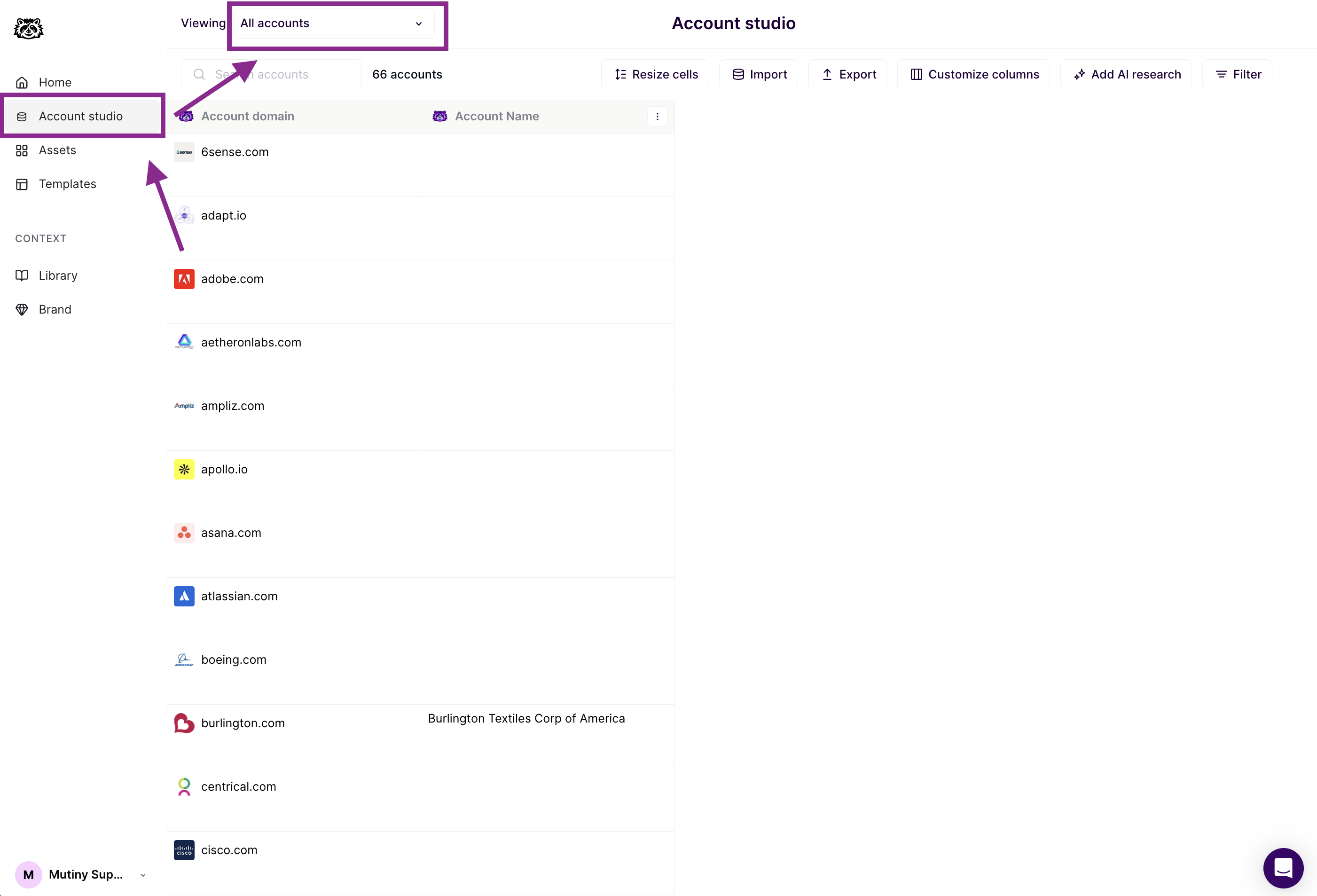
To upload a CSV and update account data, access the List from Account Studio using the dropdown menu
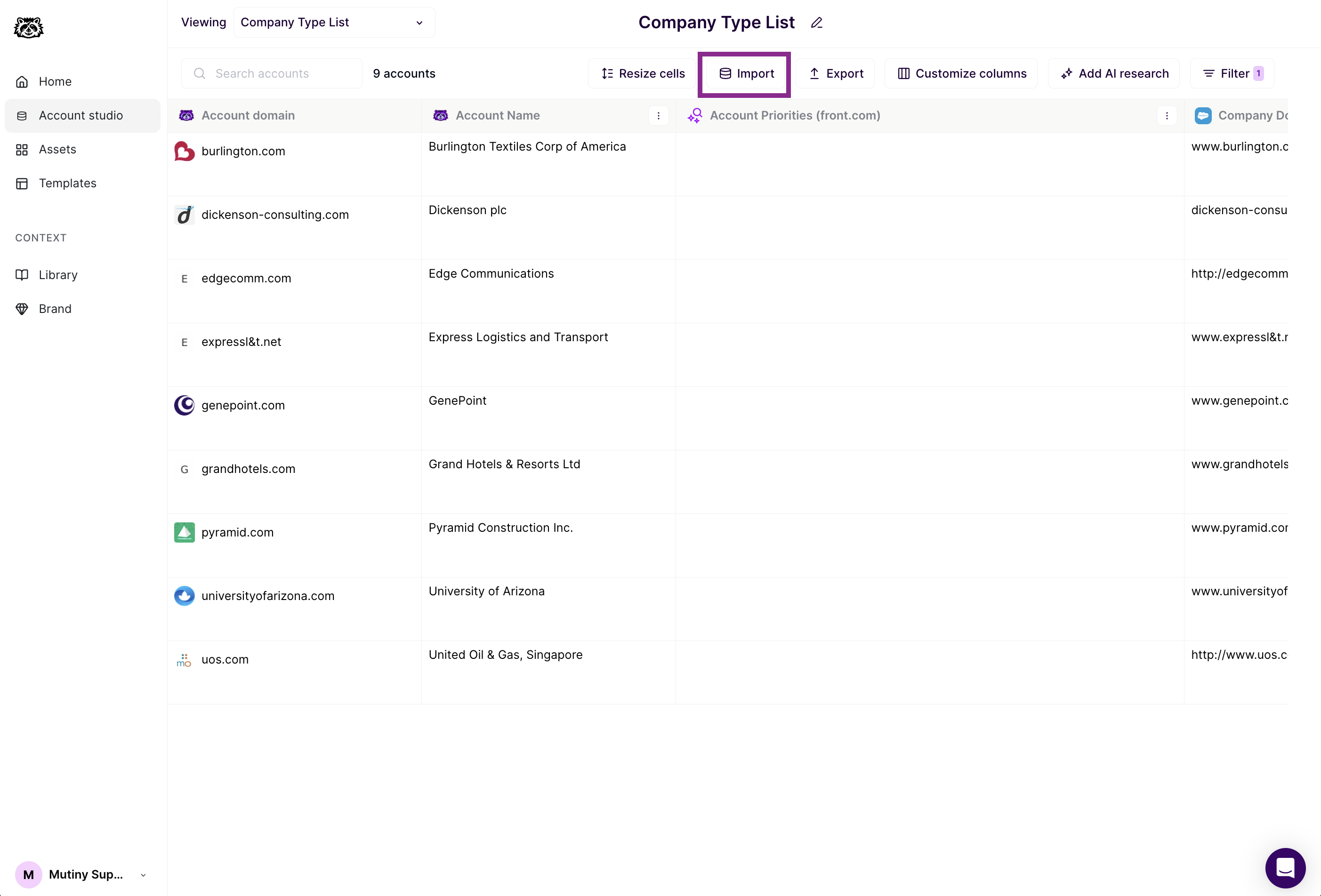
With the desired list selected, click the Import button in the toolbar. This will bring up an upload modal where you can upload your CSV
More on managing your lists can be found here:📄 Creating and Managing Lists in Account Studio
Uploading data for Accounts with multiple domains
Separate Accounts for Each Domain
Example:
MutinyUS > www.mutinyus.com
MutinyEU > www.mutinyeu.com
When you have multiple accounts and each has a separate domain, you will create a new row for each on the uploaded CSV. Mutiny will then have a unique record per account.
Single Account for Multiple Domains
Example:
Mutiny > www.mutinyus.com, www.mutinyeu.com, www.mutinyja.com
When you have a single account that includes multiple domains, the domain will either be from a CSV or the most recently updated data source.
Single Domain for Multiple Accounts
Example:
MutinyUS > www.mutiny.com
MutinyEU > www.mutiny.com
In this case, Mutiny will have a single account record that will change based on the most recently updated account. If these accounts exist in Salesforce, the account that is the most recently updated will be present in Mutiny's account record.
Need Help?
If you have questions or need help, the Mutiny Support team is here for you! You can submit a support ticket using the Submit a ticket button at the top of this page, or reach us at support@mutinyhq.com.