Mutiny Tour
Last updated: June 26, 2026
Welcome to Mutiny! This guide walks you through the main areas of Mutiny, so you know where everything lives. From building your first asset to automating your daily actions with routines and skills, this guide will show you how to navigate Mutiny.
Home
When you first log into Mutiny, you land on the Home tab. At the top is a prompt box where you can start building with Mutiny and the Mutiny agent, or ask anything related to your work.
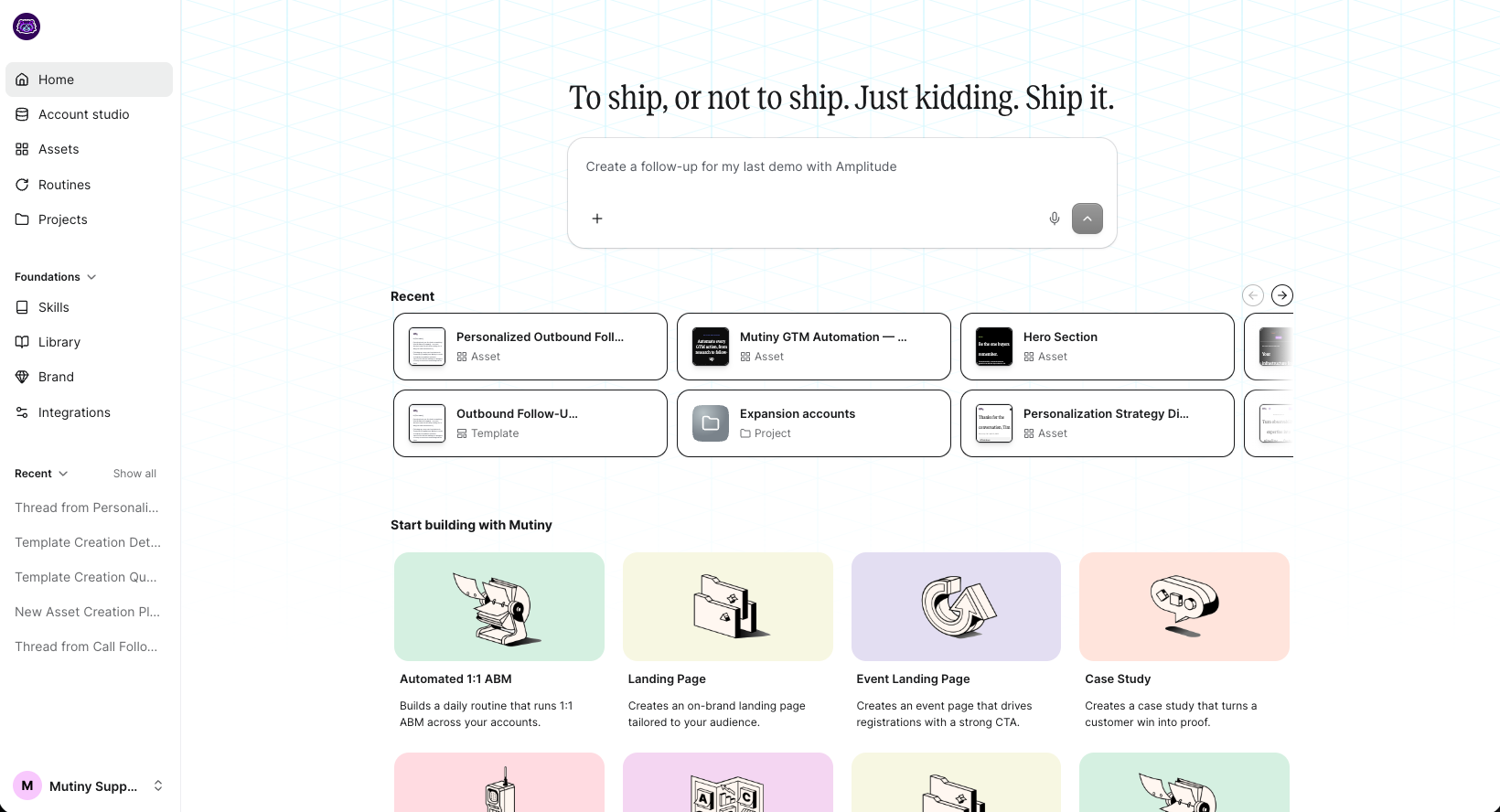
Below the prompt box, you'll see recently opened templates, routines, projects, or assets. Below this, you'll find blueprints to help you get started. Blueprints create assets, routines, or skills, and there are different blueprints for each to help get you started.
Assets
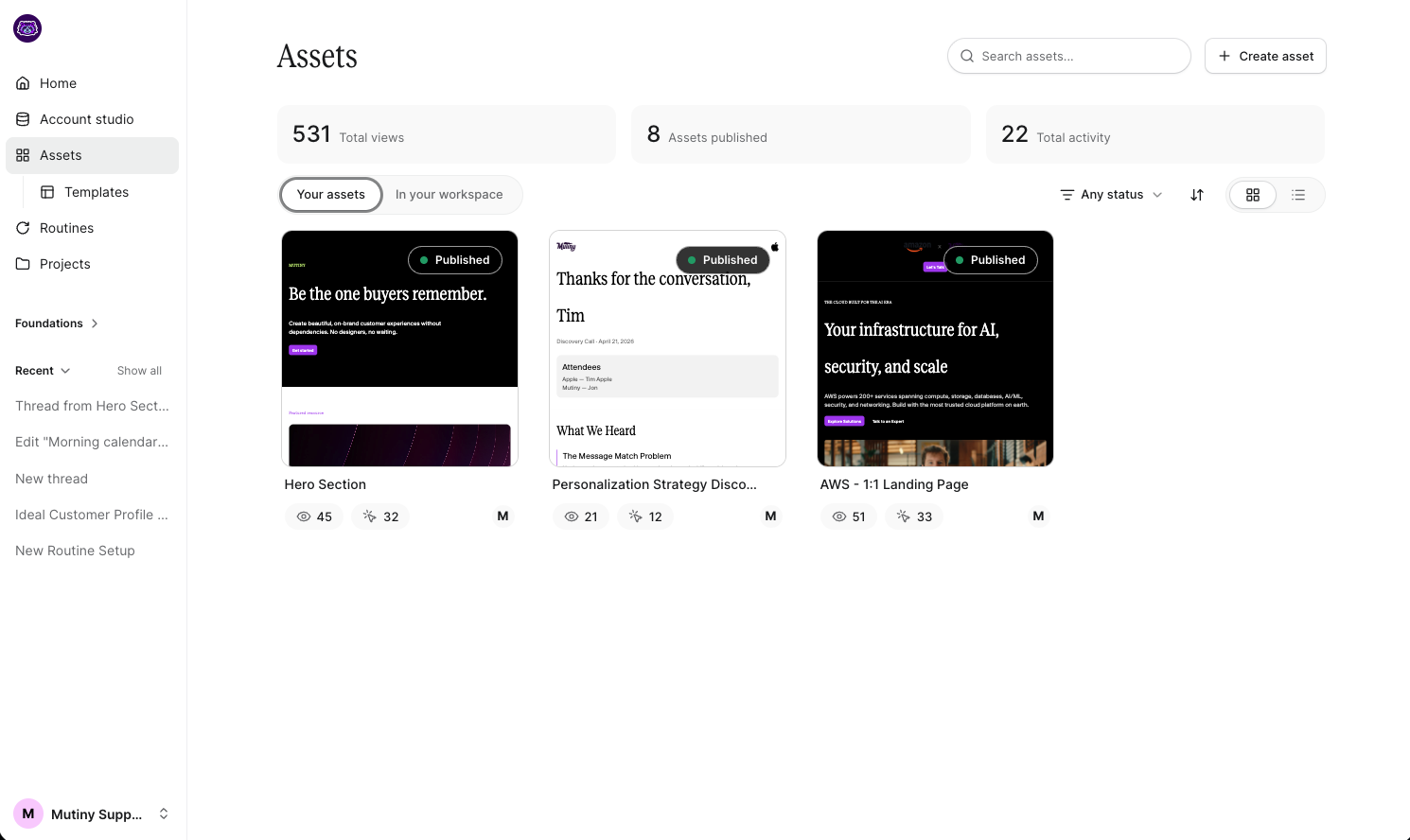
Assets is the home for all your asset creation. Any assets you've created or drafted, along with assets shared with you, are viewable here. Use the Create asset button to start a new one.
Templates
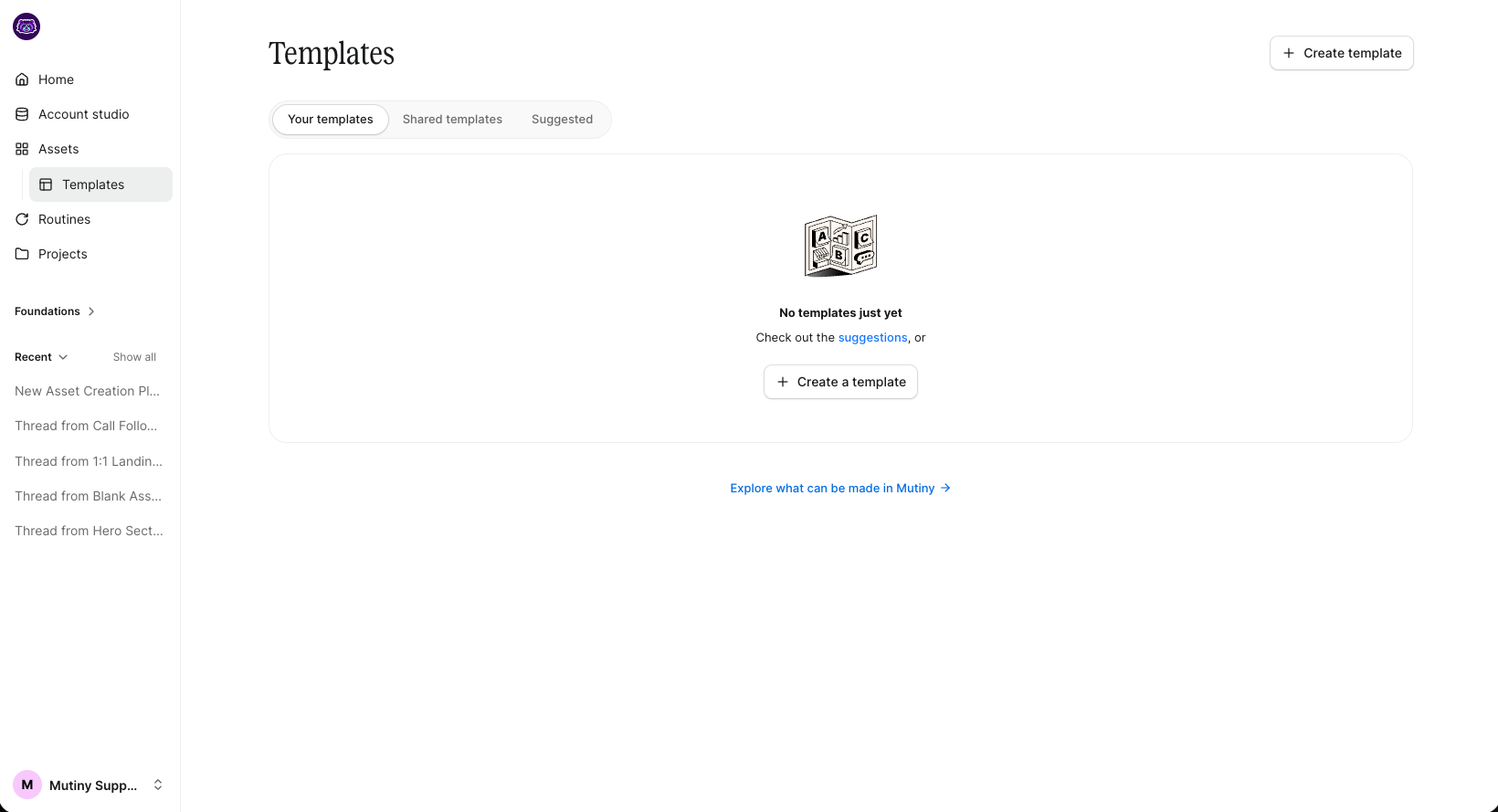
Templates sit under Assets. Here you'll see templates you've created, templates shared with you, and template blueprints for building new ones. You can also create a new template from this tab.
You can learn more about templates here: 📄 Templates Deep Dive
Routines
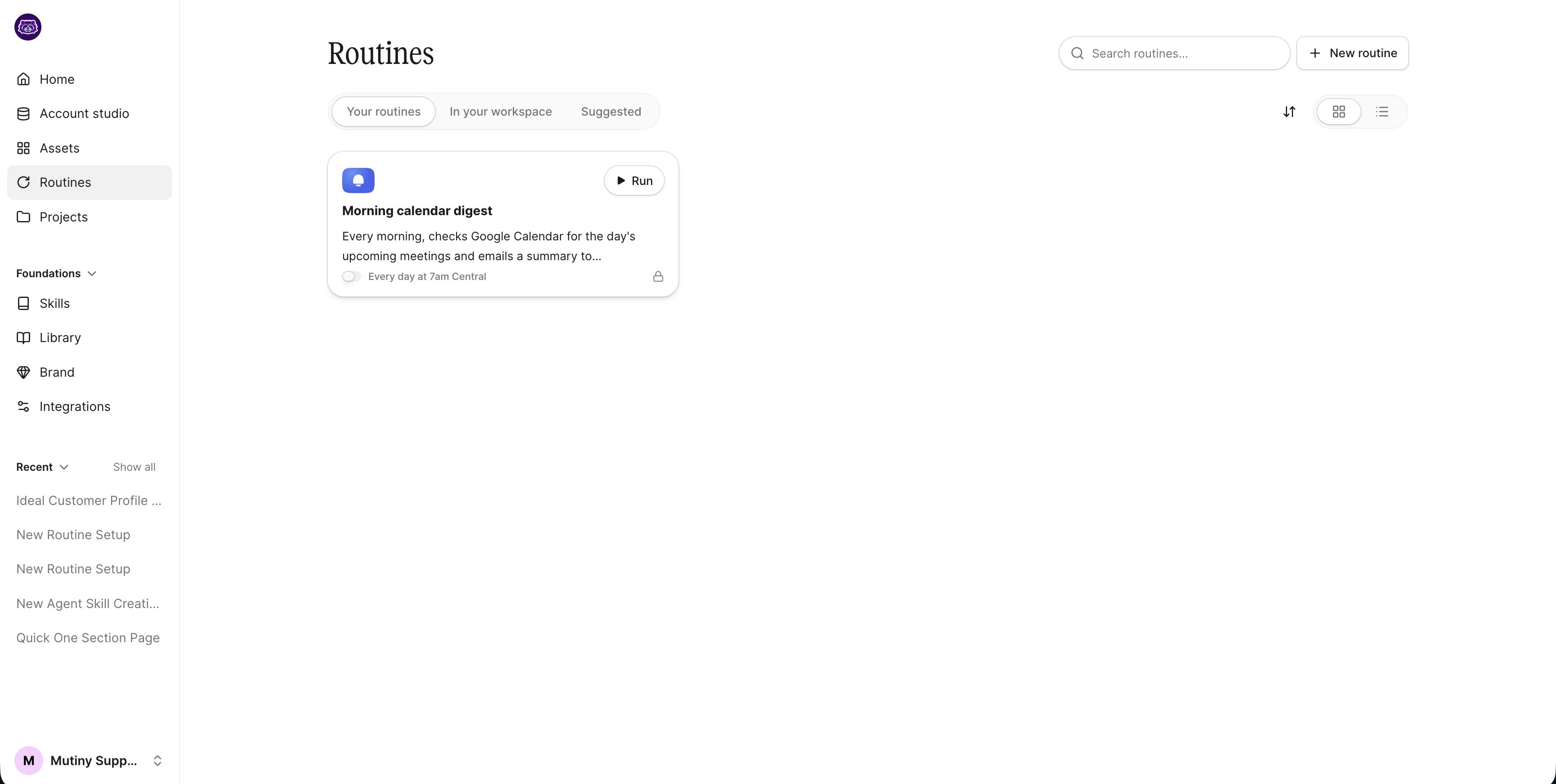
Routines scale the actions Mutiny takes for you, and they are the heart of automation with Mutiny. Think daily meeting prep, a routine that runs one-to-one ABM across all your accounts, or automatic follow-ups. This tab holds routines built just for you and routines shared with you, and it's where you go to create new ones.
You can learn more about routines here: 📄 Routines Overview
Projects
Projects show the projects that are specific to you and the ones across your organization. Create, manage, and work with your projects from here.
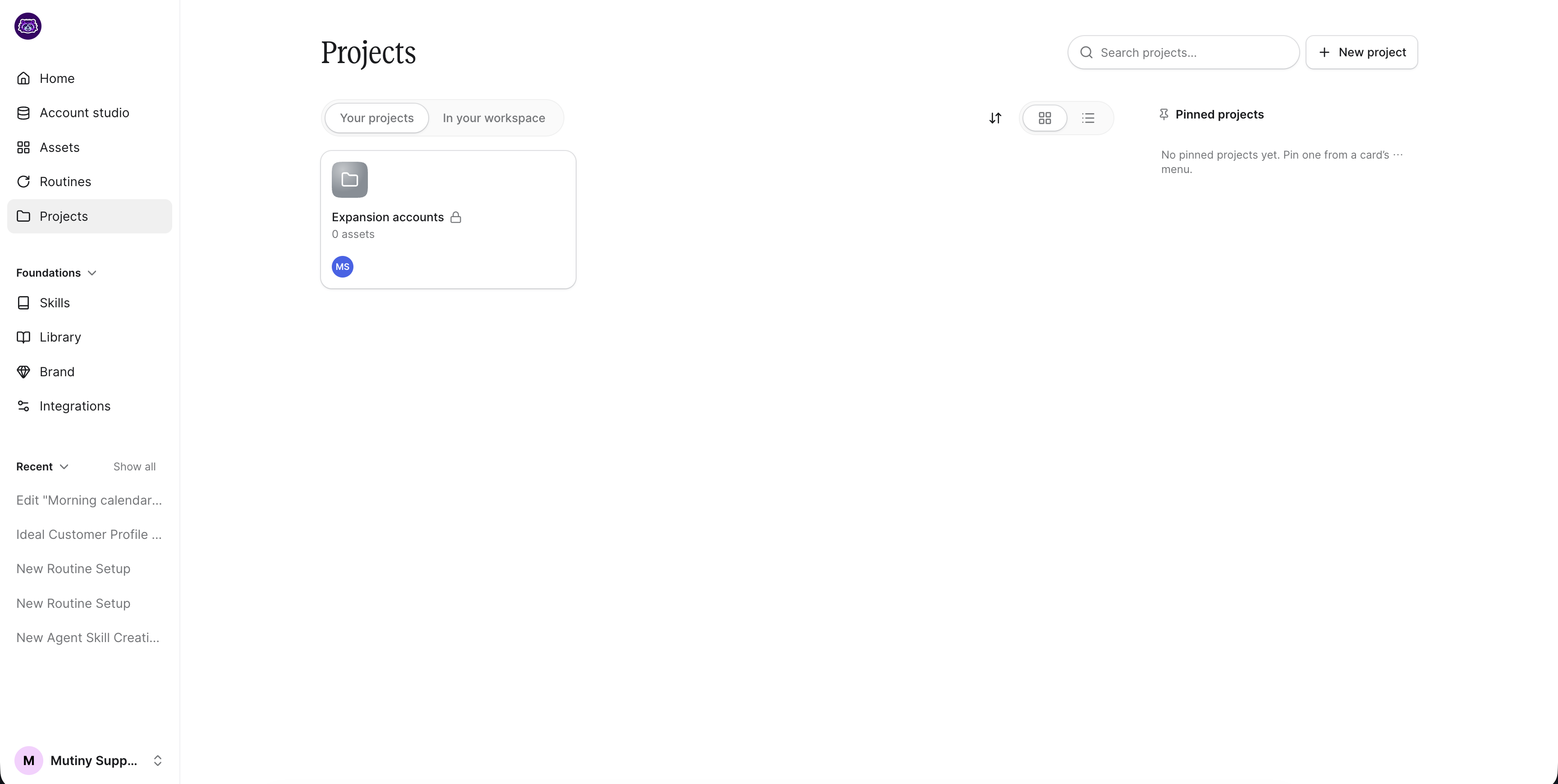
You can learn more about projects here: 📄 Projects Overview
Foundations
The Foundations dropdown is where you manage skills, library, brand, and integrations.
Skills
Skills are add-ons that empower your Mutiny agent. You'll see your own skills, skills shared with you, and skill blueprints to get started. For example, a voice skill can scan your emails to capture your unique tone, and a product messaging skill can codify your positioning, value pillars, and messaging.
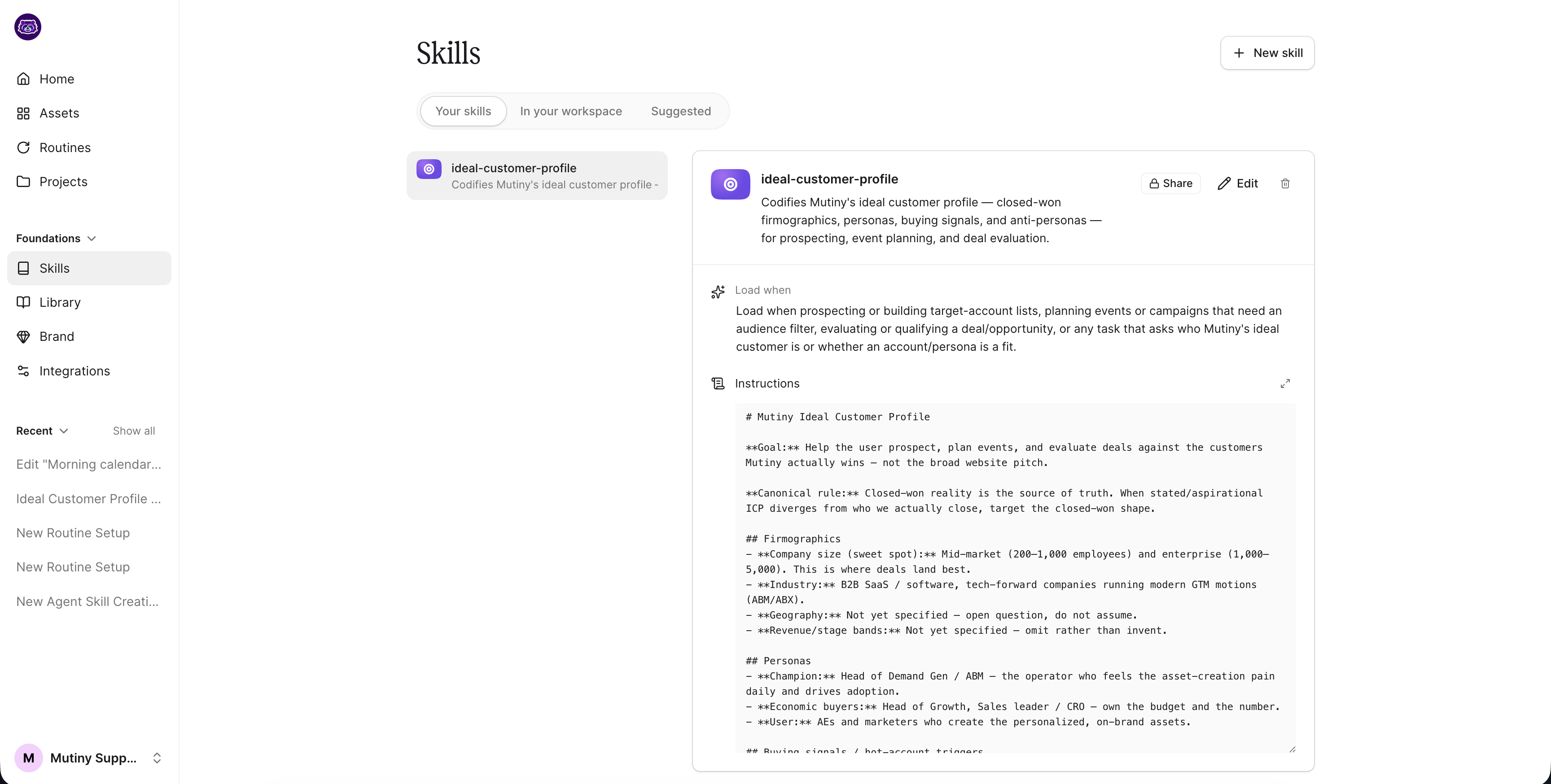
Learn more about Skills here: 📄 Skills Overview
Library
Mutiny scrapes content from your website to populate your Library with images, customer logos, product media, case studies, and more. You can also add content manually.
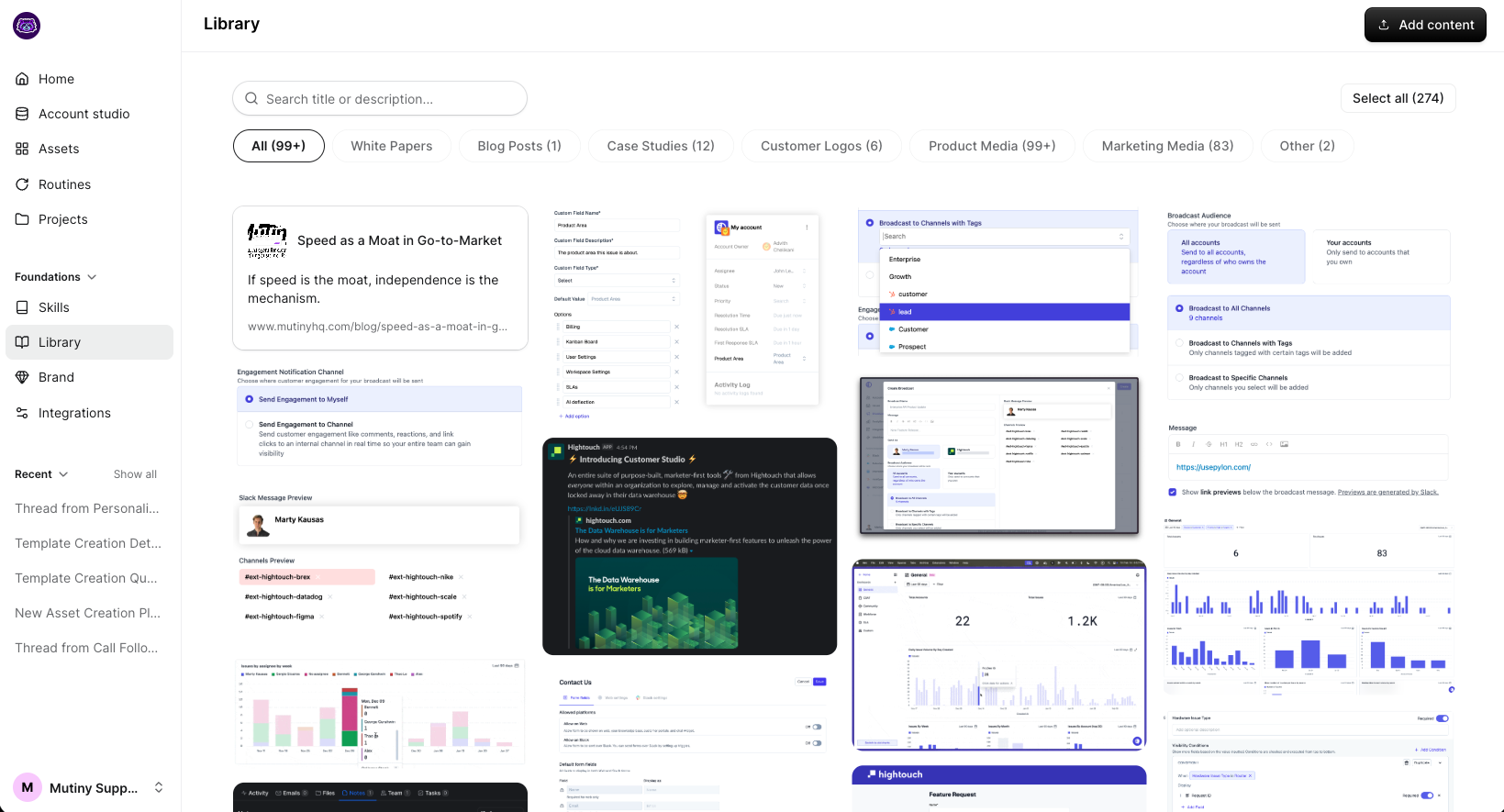
Learn more about the Library here: 📄 Library Overview
Brand
Your Brand theme is scraped automatically from your website and applied to your assets. Come here to edit your theme and manage your brand.
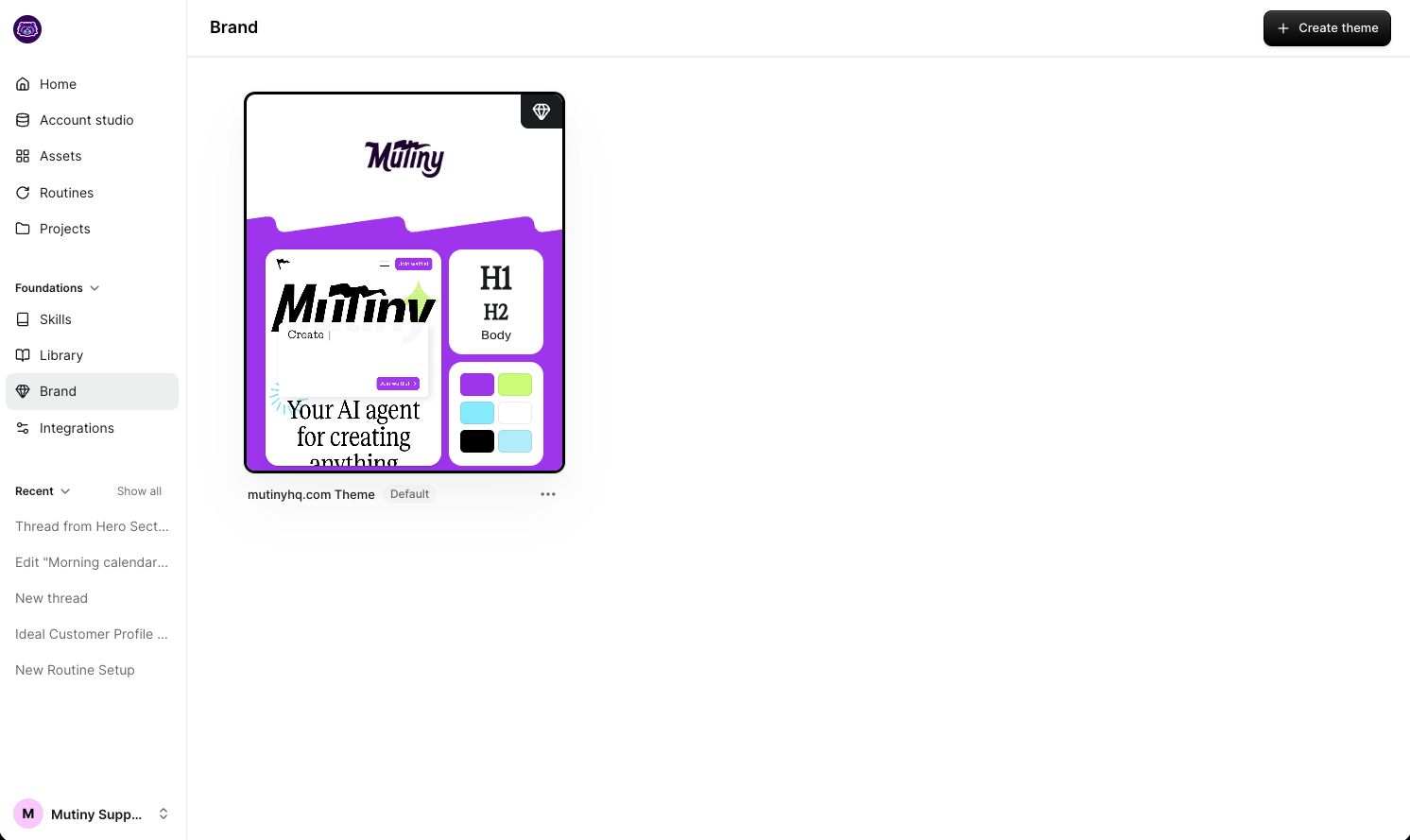
Learn more about your brand themes here: 📄 Brand Overview
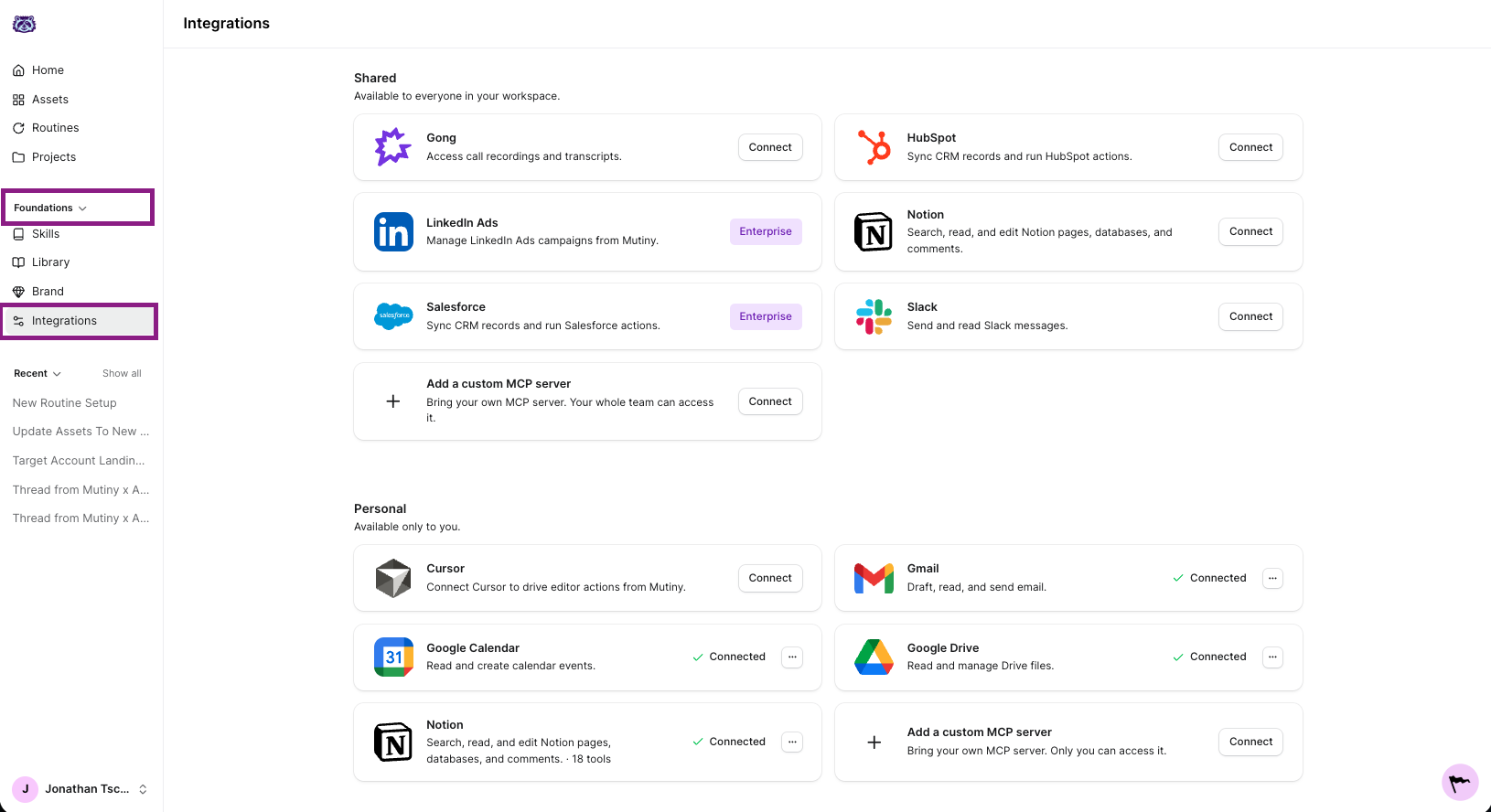
Integrations
Integrations are tools you add to empower Mutiny. Connect Mutiny's built-in integrations, or add your own MCP server. Learn more about connecting your tools here:
Threads
At the very bottom of the left nav, you'll see your threads with the Mutiny agent. Show all your threads or view just the most recent ones to pick up where you left off.
Need Help?
If you have questions or need help, the Mutiny Support team is here for you! You can submit a support ticket using the Submit a ticket button at the top of this page, or reach us at support@mutinyhq.com.