Asset Versioning
Last updated: June 24, 2026
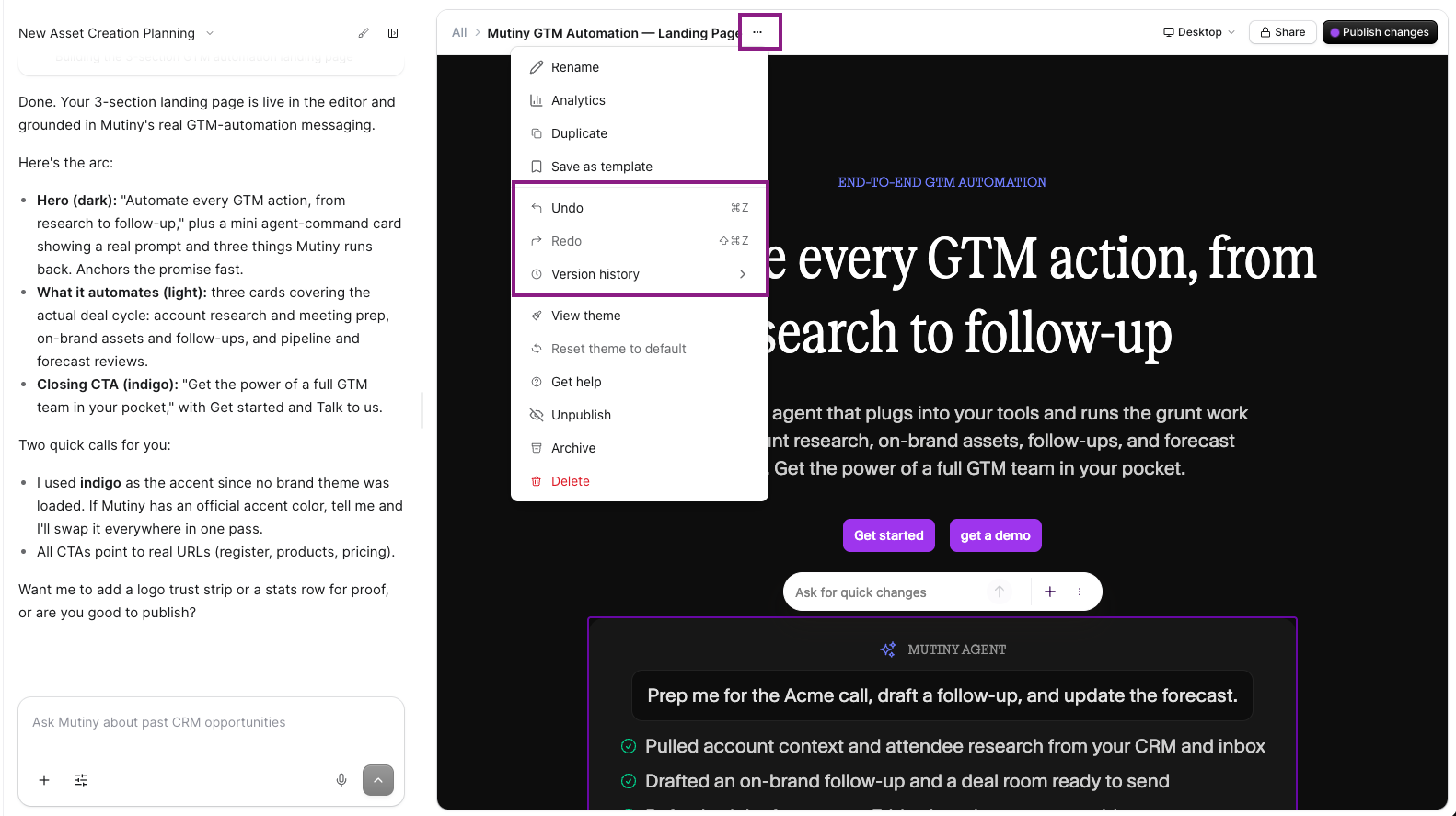
While editing your asset, if you make a mistake or just want to go back to an earlier version, you can do so by utilizing the Version history button in the editor.
Reverting page versions
From the editor, click the Version history button in the top right. This will reveal a list of recent versions available to revert the asset to:
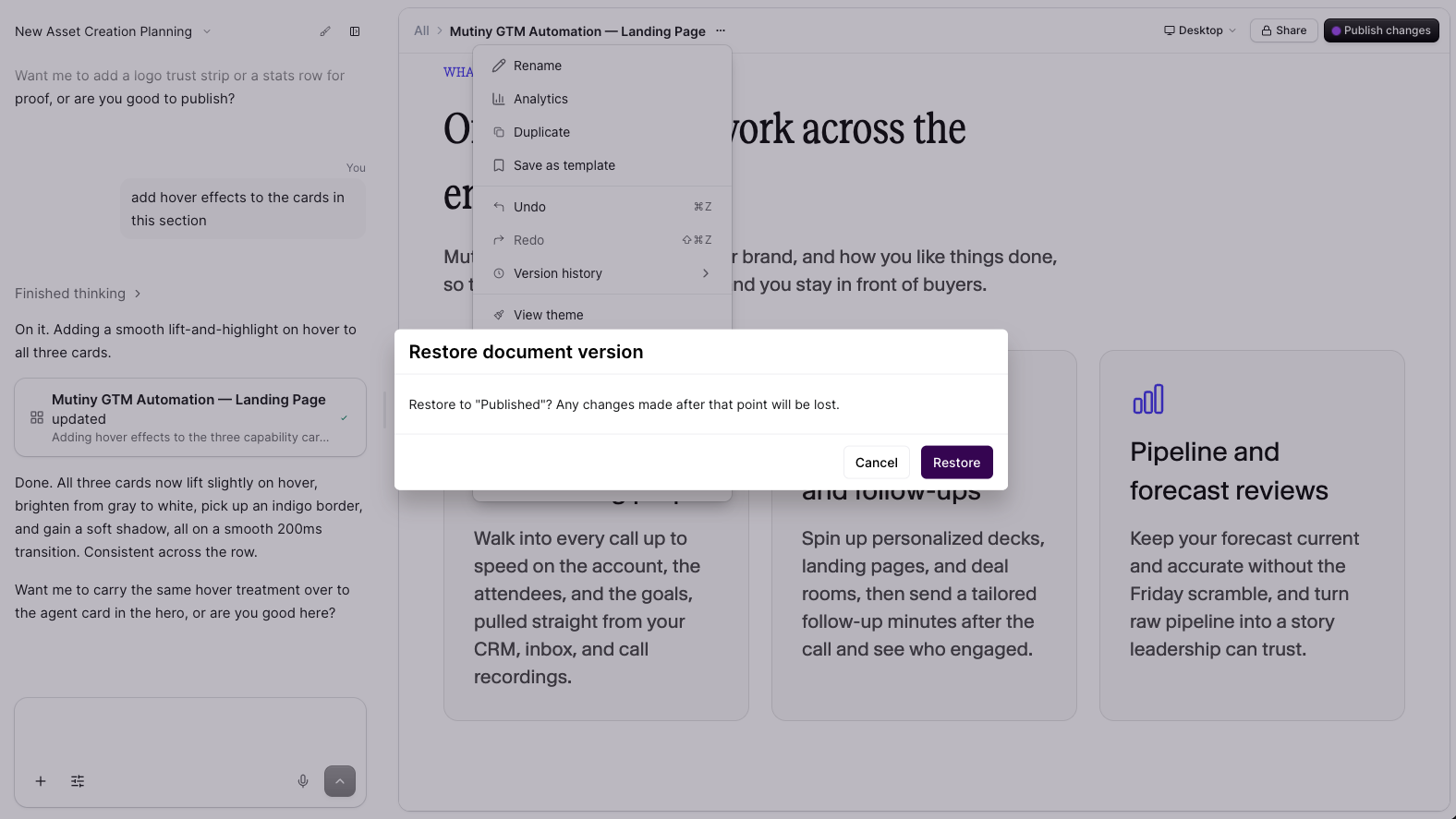
When a version is selected, you'll be prompted to confirm. Once reverted, any changes made after that point will be lost.
Need Help?
If you have questions or need help, the Mutiny Support team is here for you! You can submit a support ticket using the Submit a ticket button at the top of this page, or reach us at support@mutinyhq.com.