Implementing Cookie Consent
Last updated: June 30, 2026
If your asset is distributed to users in CCPA or GDPR regions, you may be responsible for requesting user consent before setting any cookies other than those deemed strictly necessary.
There are two ways to collect customer consent - opt-out or opt-in. The preferred method is opt-out to ensure that analytics are identified and not anonymous.
Opt-out
The default cookie implementation on your asset will automatically opt users in to tracking. The opt-out method of implementation keeps this default in place, but allows the customer to opt-out of tracking if they wish.
Any opt-out action will be handled by your internal cookie consent tool, but Mutiny gives you the tools to ensure a user is opted out if they choose to be.
To opt out a user, you'll want to call the method below whenever a user chooses to opt out via your cookie consent tool:
window.mutiny.client.optOut();Opt-in
If you choose this option, analytics will remain anonymous. The opt-in method means that users are, by default, opted out of cookie tracking, and they will have the option to opt-in.
To enable the opt-in method, you'll need to take 3 steps. Navigate to your page settings:
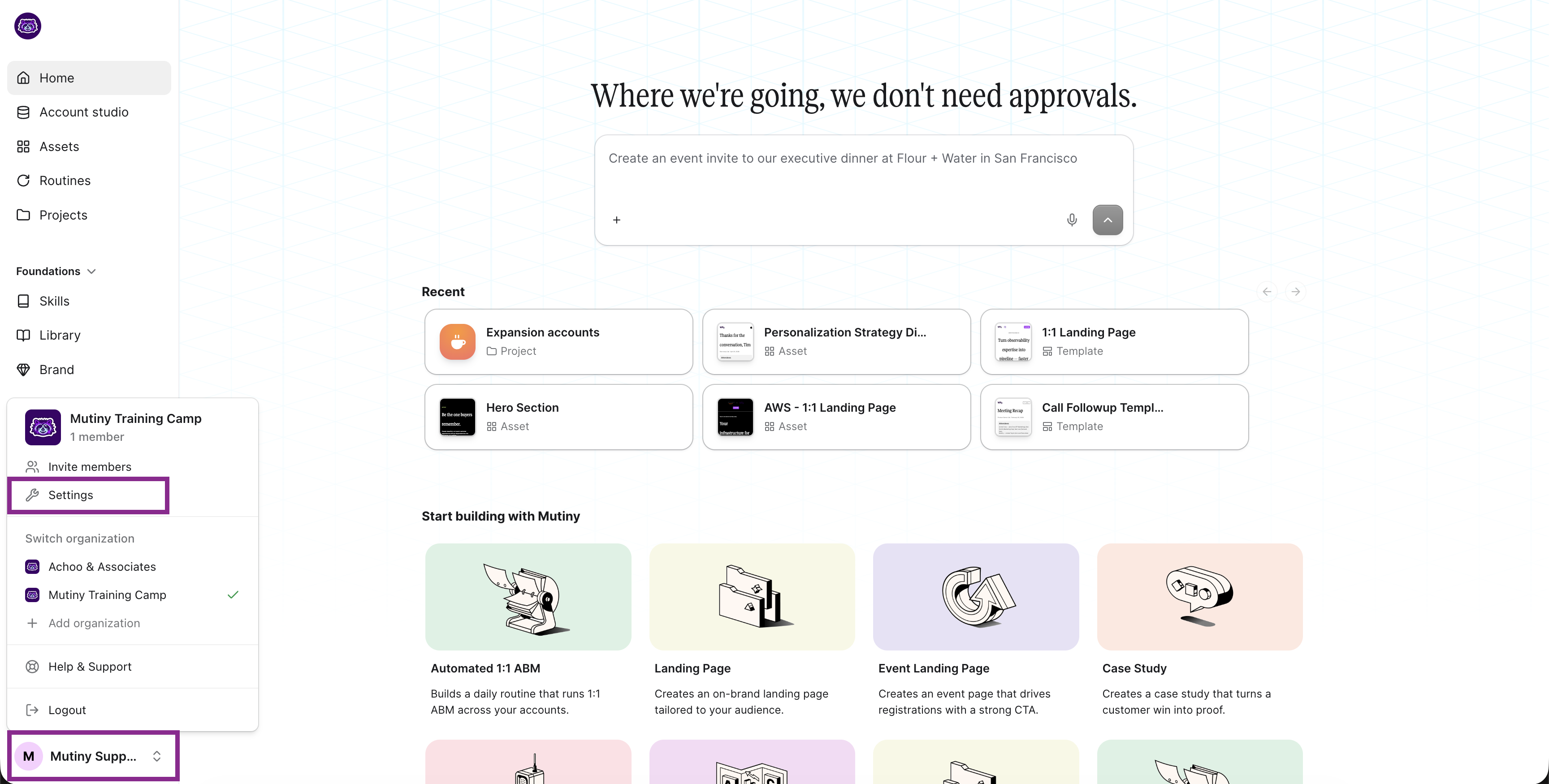
At the bottom of the page, check Disable Default Cookie Opt-in

With this setting checked, tracking cookies are not automatically added, and then you will use your cookie consent tool to opt-in the user if they choose. Call this method whenever a user chooses to opt-in via your cookie consent tool
window.mutiny.client.optIn() Important Note: If you check the Disable default cookie opt-in, but don't configure your consent tool to run the above method when the user opt's in, Mutiny tracking will be severely impeded.
How to Install Cookie Consent Tooling
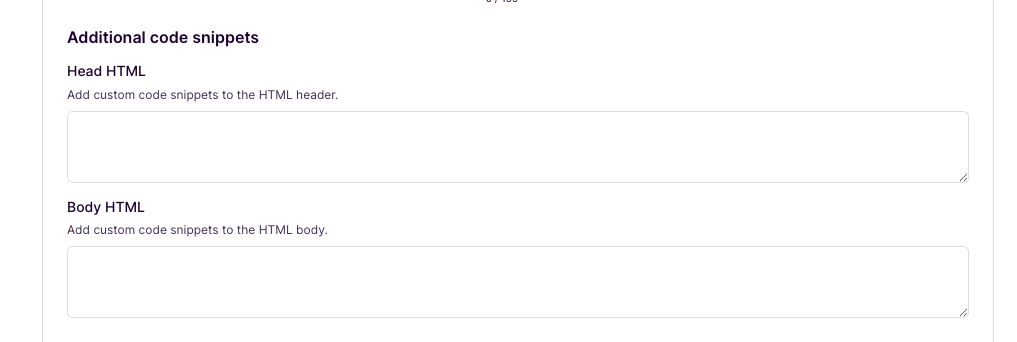
Typically, cookie consent tools are installed via script tags and are required to be placed in the header or the body of the page. You can add script tags to your assets via Page Settings in the Additional code snippets section
FAQ
Do session replays still work if the visitor has opted out?
Yes, even in an opt-out state, Mutiny will still have session replays and page view time.
What data is lost when a user opts out of tracking?
When opted out, Mutiny tracks no identifier cookies, meaning Mutiny will not identify that user to integrations. Each page refresh/load will generate a new visitor, as Mutiny won't know if it is the same visitor coming back. Any form inputs on the page are redacted from session recordings.
What data is captured?
Mutiny collects session number, IP, and other various browser information like user agent, platform (desktop, mobile), referrer, rough geolocation (based on IP), and also behaviors like time on page and number of clicks.
Need Help?
If you have questions or need help, the Mutiny Support team is here for you! You can submit a support ticket using the Submit a ticket button at the top of this page, or reach us at support@mutinyhq.com.