Integrating with Gmail
Last updated: May 15, 2026
Mutiny integrations are connected via Pipedream. You can learn more about Pipedream here:
The Mutiny Gmail Integration allows you to connect your Gmail account directly to Mutiny. This can enable the agent to create drafts or even send emails right from Mutiny. Allowing you to create and distribute assets without leaving Mutiny.
Connecting to Gmail
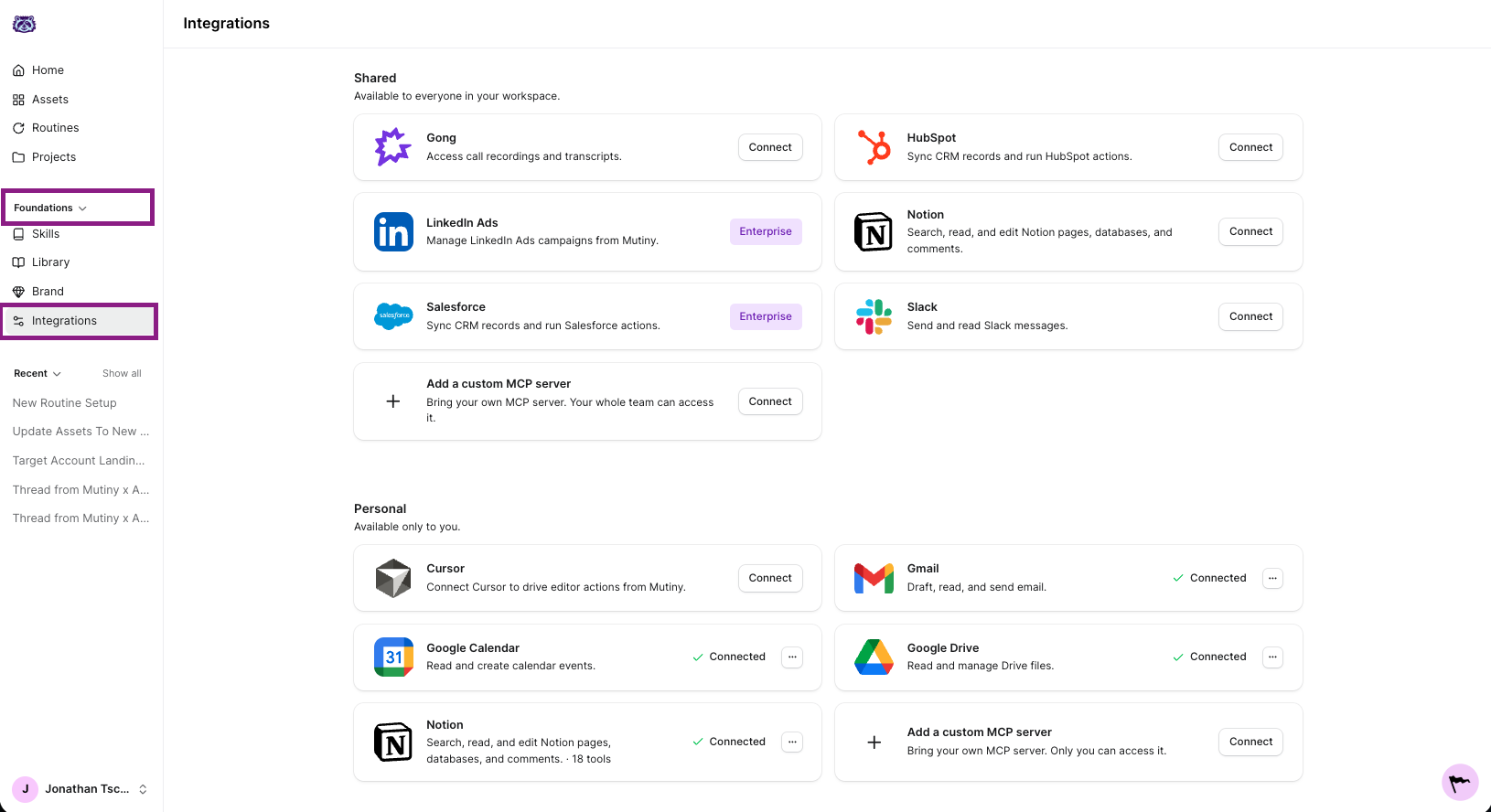
To get started, head to the integrations page in Mutiny
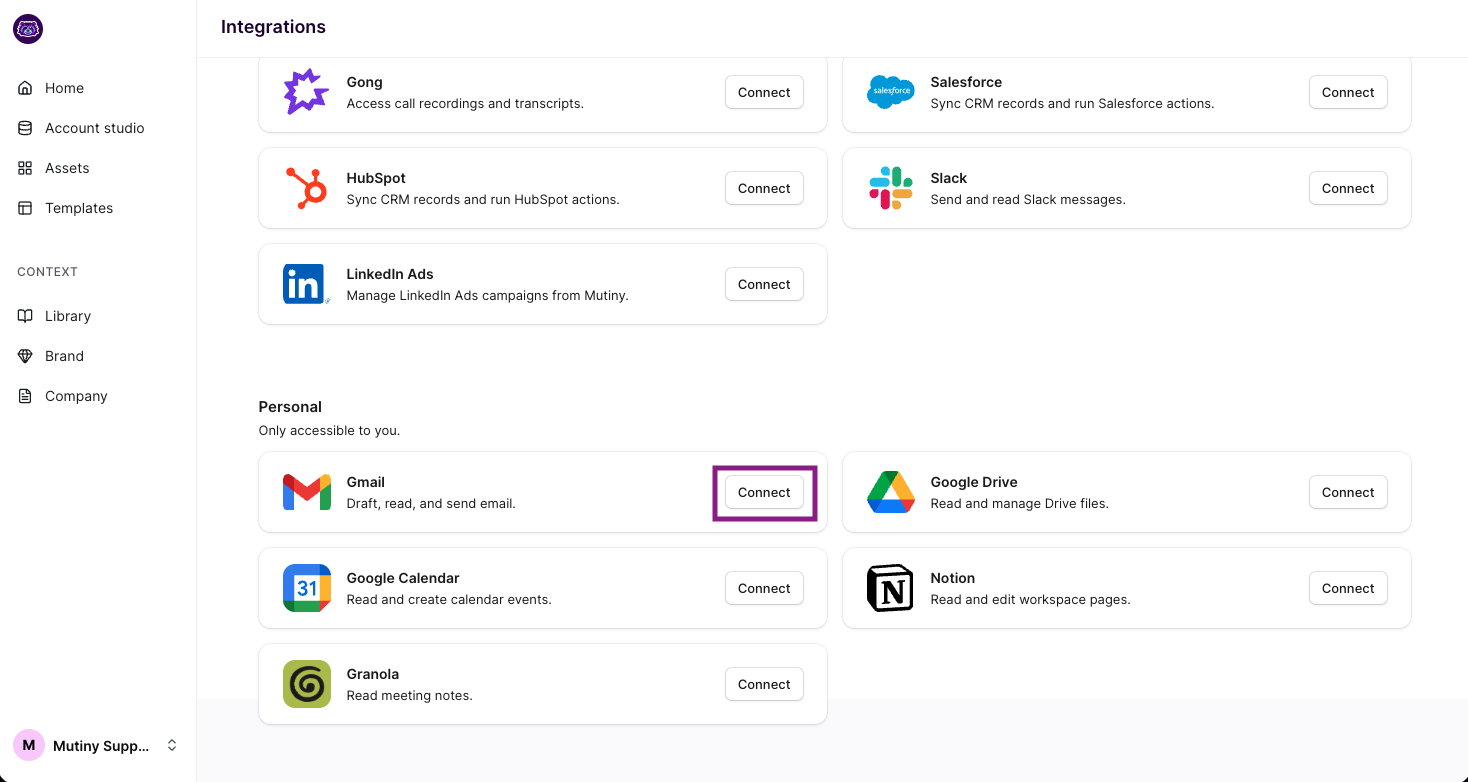
On the Gmail integration card, click Connect - This will launch the Pipedream connection modal. Complete the connection steps through this Modal to connect to Mutiny.
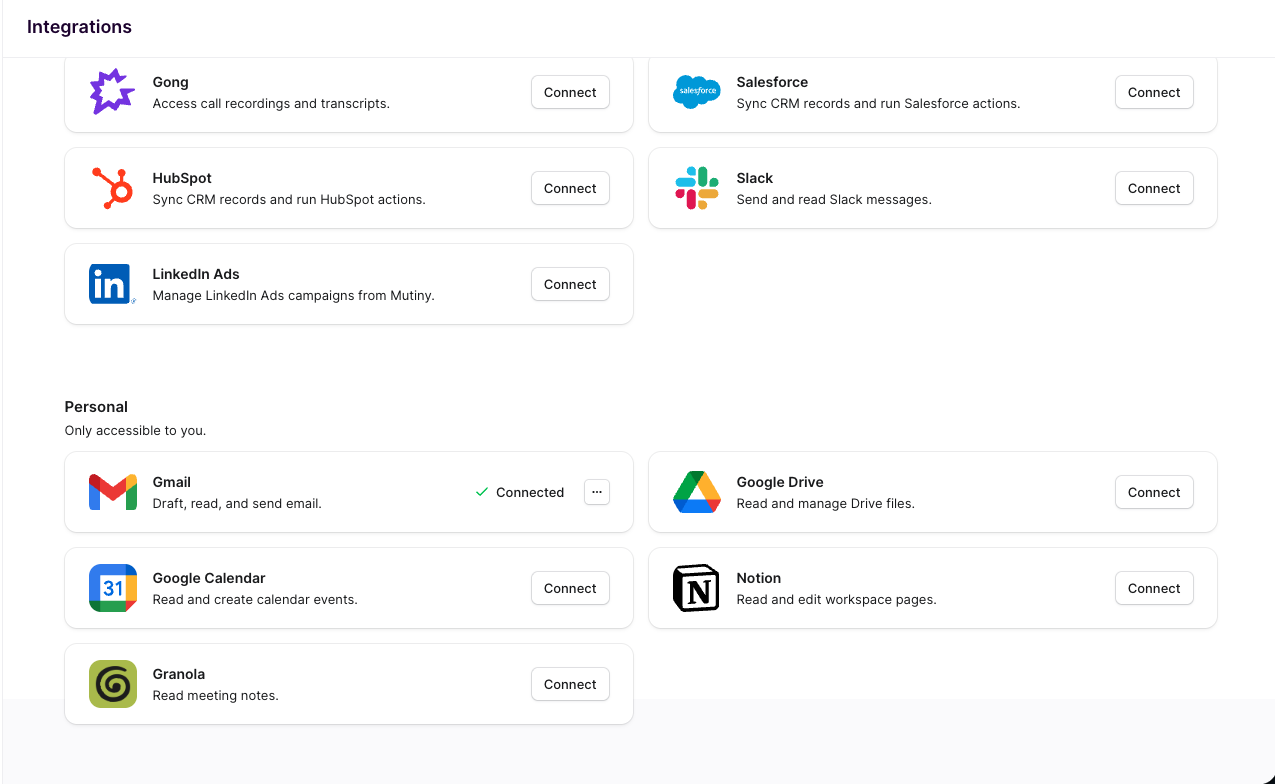
After going through the steps, you will see the integration card now says Connected
Using the Integration
Now with Gmail integrated, you can ask the agent to draft and/or send an email to your target account with the asset link right from Mutiny. This can be particularly useful for call follow-up assets, or 1:1 asset types where you created an asset for a particular contact.
You can use a prompt like:
Draft an email summarizing the asset, include a link to the asset at the top of the email
The agent will then create a draft email in your Gmail account and share the draft in the chat. Request any edits to the draft, and then prompt the agent to send the email
Disconnecting
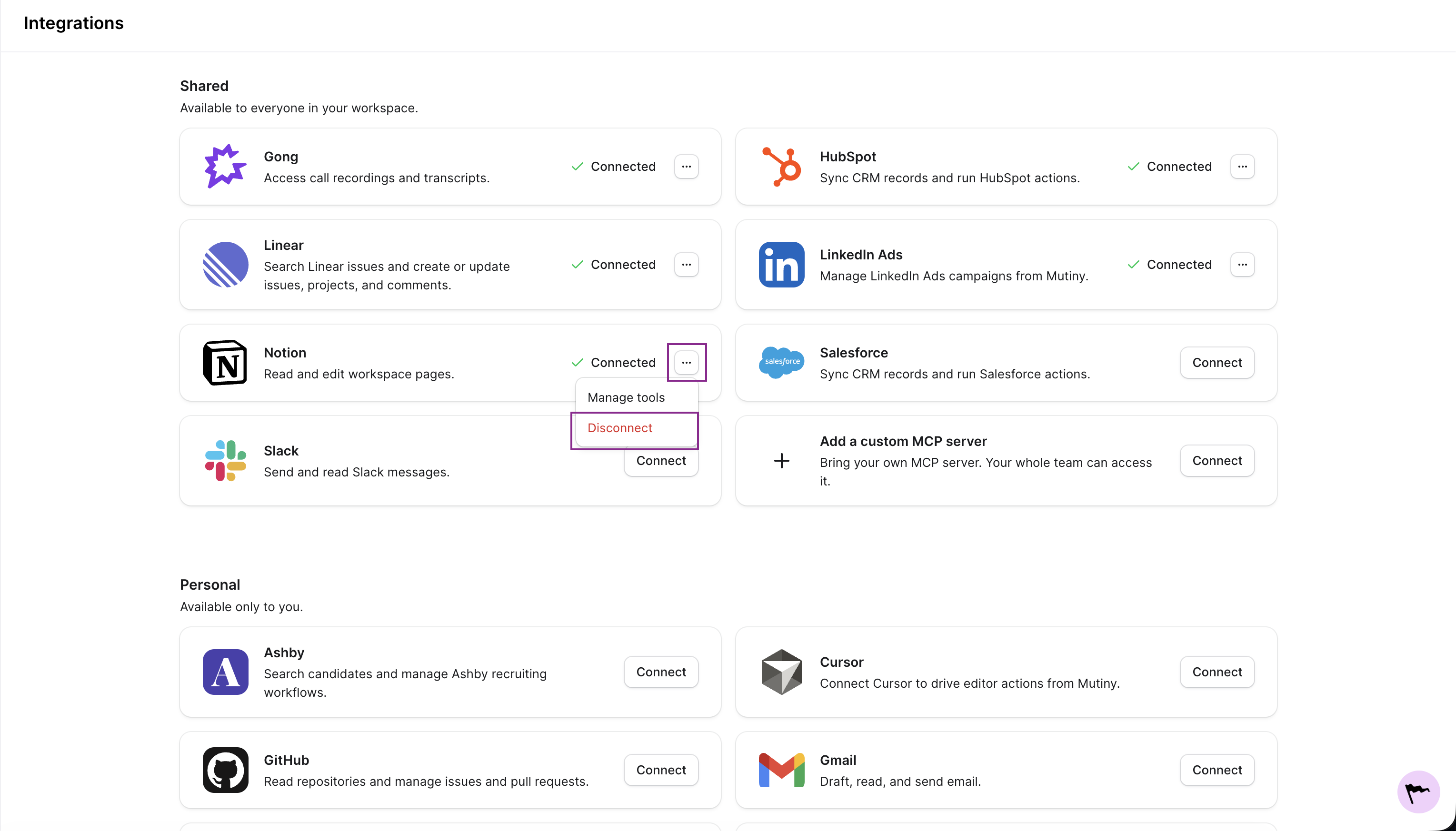
You can disconnect any integration from the three-dot menu on the integration card
Need Help?
If you have questions or need help, the Mutiny Support team is here for you! You can submit a support ticket using the Submit a ticket button at the top of this page, or reach us at support@mutinyhq.com.