Create Templates
Last updated: June 24, 2026
Mutiny allows you to create and save templates that can be reused across multiple assets. You can either build templates from scratch or convert existing assets into templates for future use.
Creating Templates
Navigate to the Templates tab in the left navbar under Assets
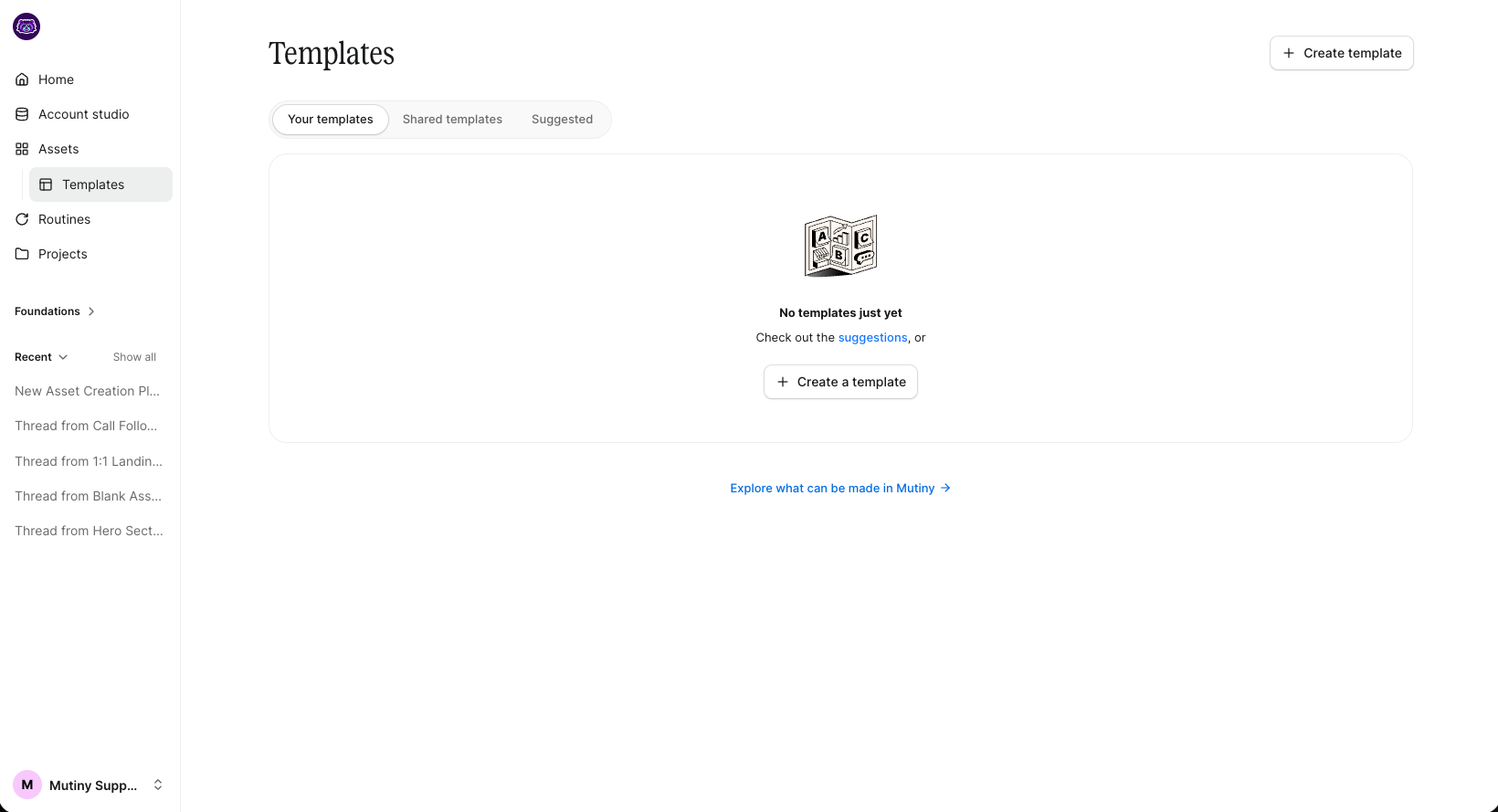
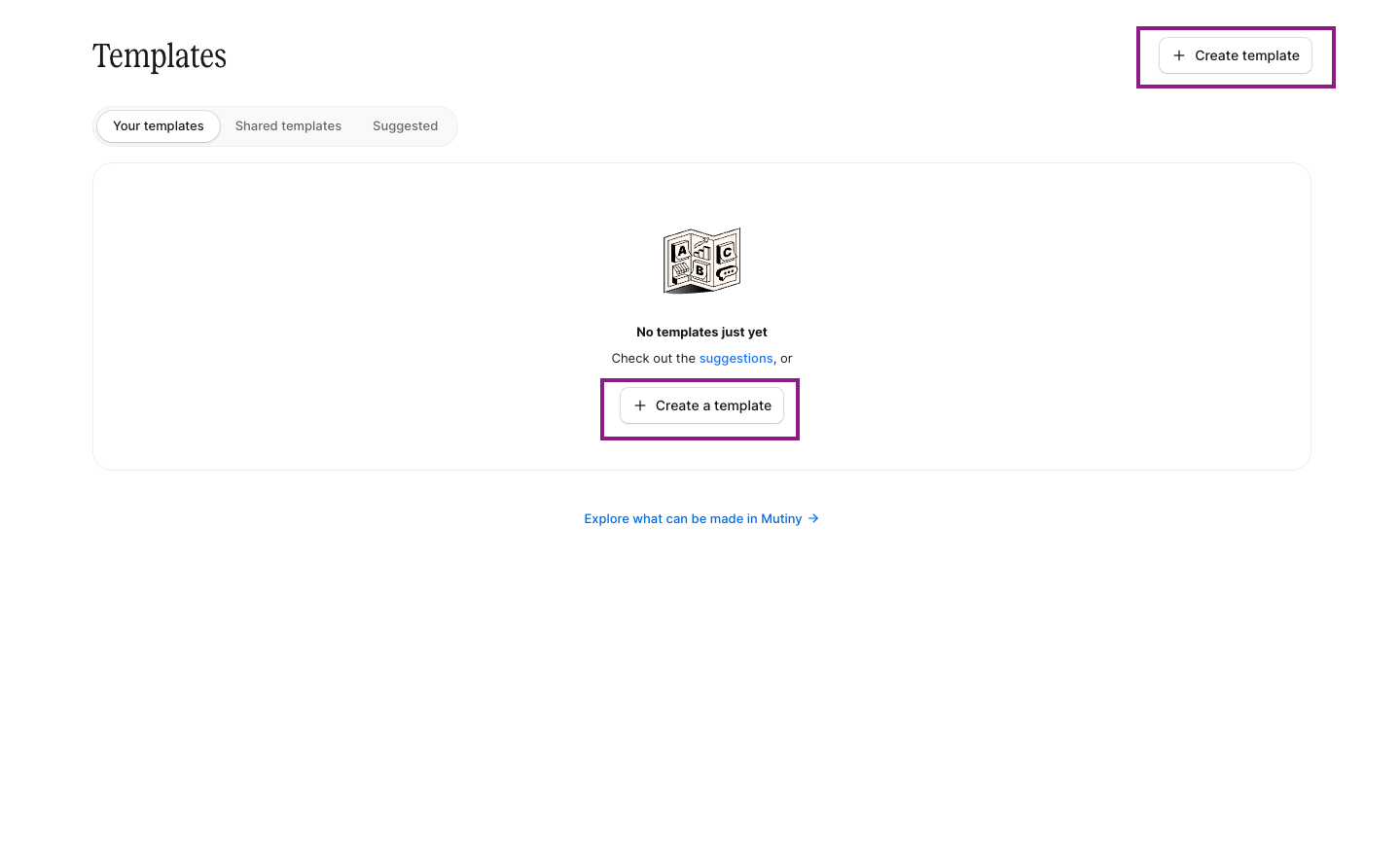
Create a new template directly from the Templates page by selecting + Create template. From here, you will be launched into a new thread to create your template.
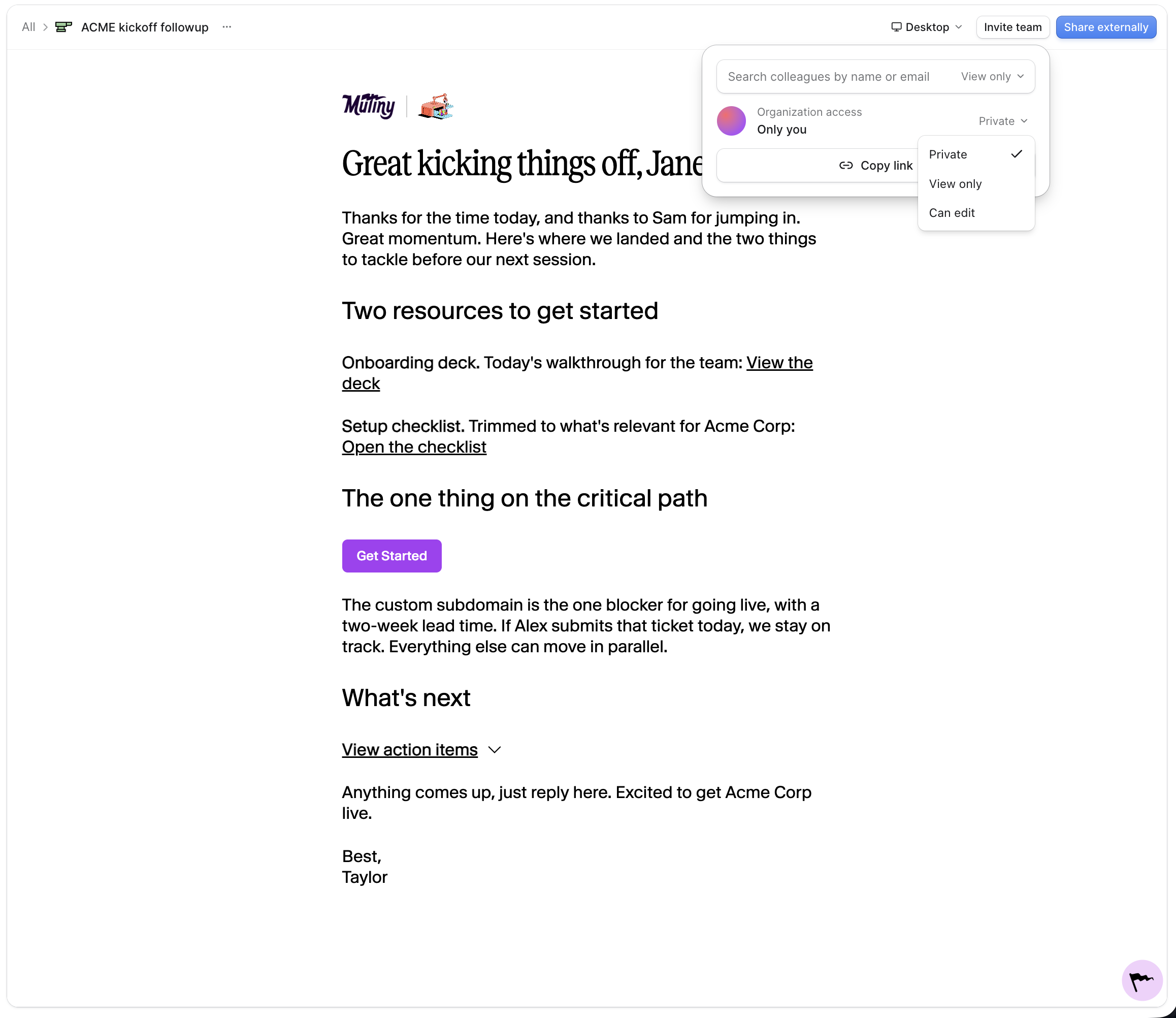
Once created, you can work with the agent to refine asset design or make changes manually.
Once the template is in a good spot, you can preview how it will look as a published asset, as well as adjust sharing and access details from the Share button on the top right.
Convert Existing Asset to a Template
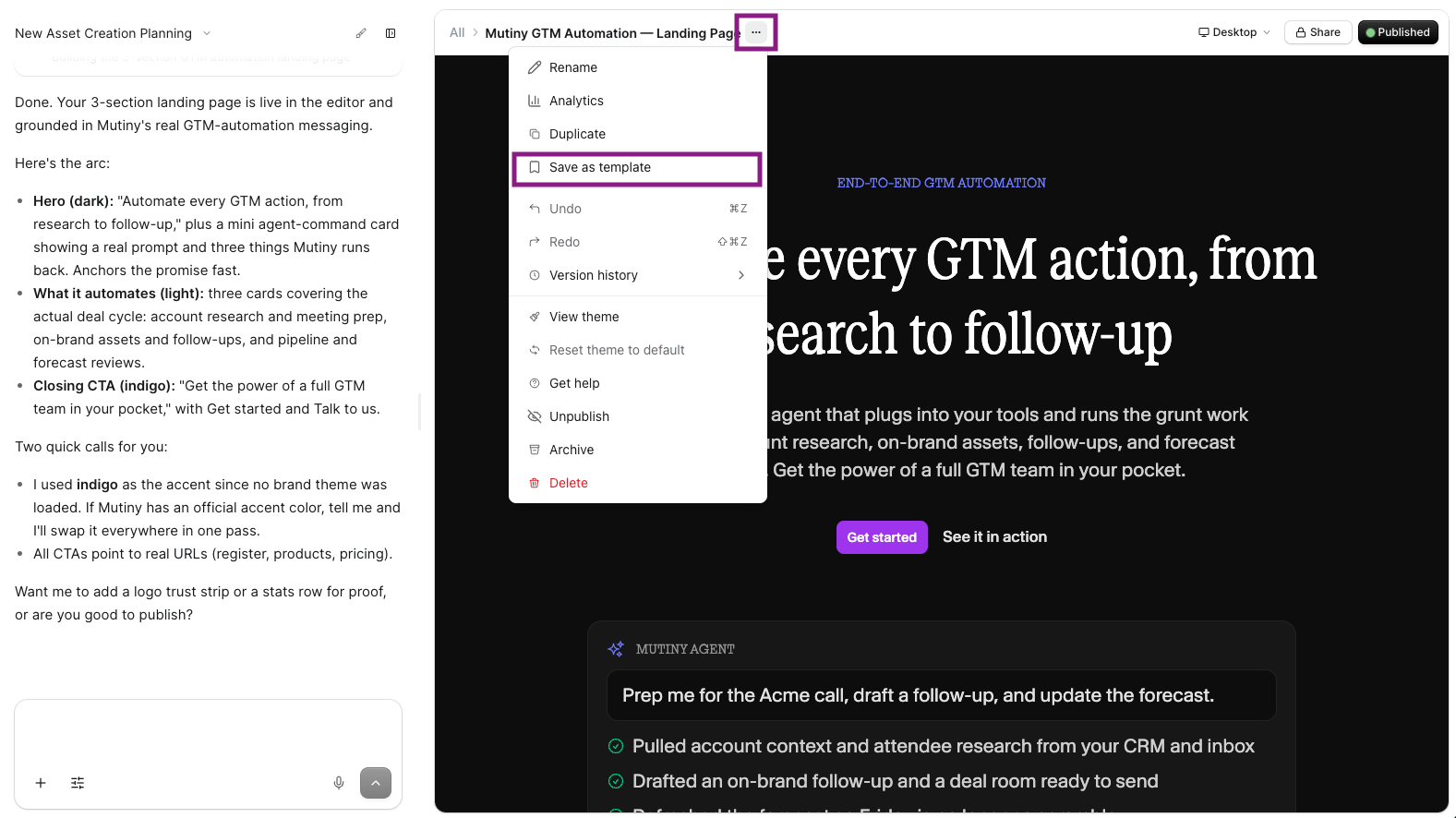
Transform any existing asset into a reusable template by opening the asset editor. Click the three-dot menu in the editor, and select Save as template from the options.
Your template will be successfully created and immediately available in the templates tab for future assets, allowing you to leverage proven designs across multiple initiatives.
The template will be added to your templates library and available for use in future campaigns
Need Help?
If you have questions or need help, the Mutiny Support team is here for you! You can submit a support ticket using the Submit a ticket button at the top of this page, or reach us at support@mutinyhq.com.