Add an Asset Preview to an Email
Last updated: June 24, 2026
Distributing assets through email is a common way to drive engagement and clicks. Mutiny makes it easy to copy a visual preview of your asset directly into your email body.
Copying your Asset Preview
To get started, open the asset editor and click the Publish menu in the top right corner. If your asset is published, you'll see an option to Copy email preview.
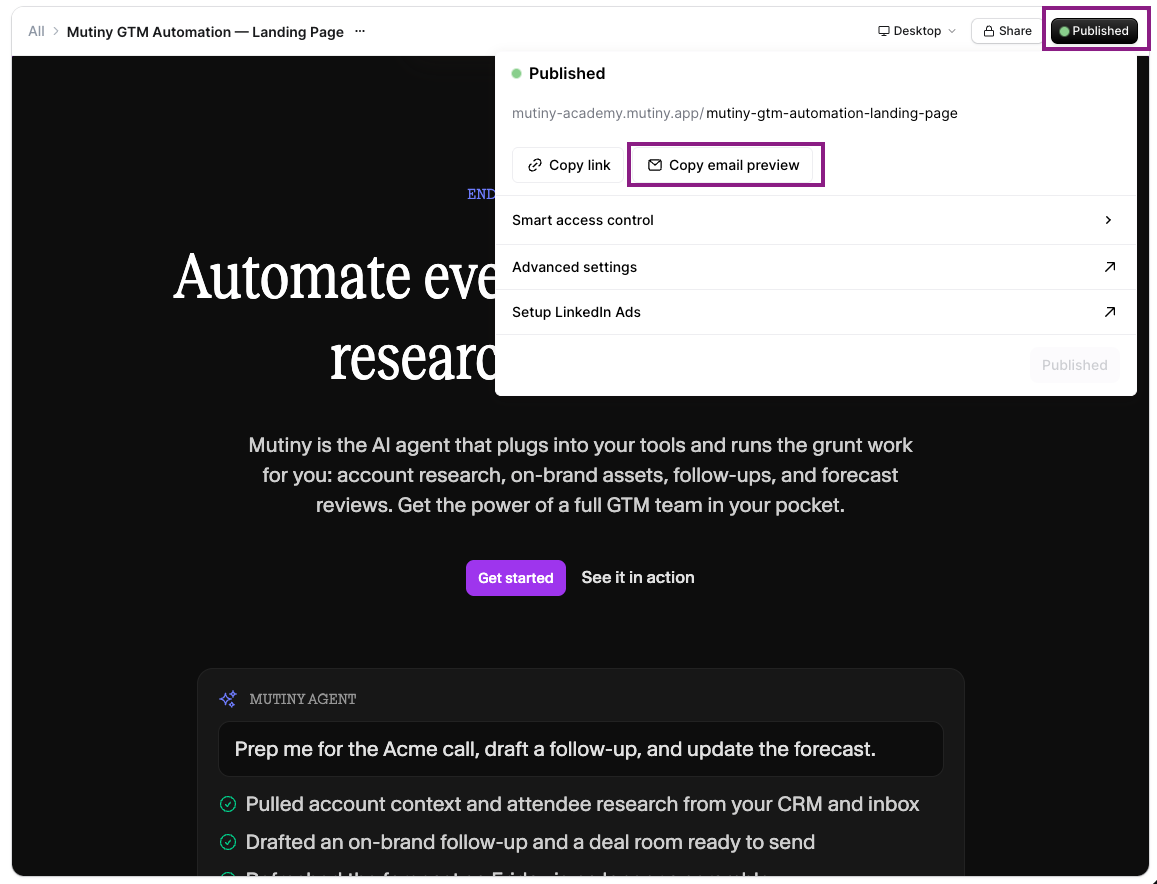
Once copied, paste the preview into your email body. A thumbnail image of the asset will appear in the email, and it will automatically link recipients to the asset when clicked.
Need Help?
If you have questions or need help, the Mutiny Support team is here for you! You can submit a support ticket using the Submit a ticket button at the top of this page, or reach us at support@mutinyhq.com.