Creating 1:1 Assets at Scale
Last updated: July 8, 2026
Mutiny can build account-specific 1:1 assets for your entire ABM list in one thread. Give the agent a list of accounts, and it creates a personalized asset for each one, so you can scale personalization across your accounts without building pages one at a time.
Choosing where your accounts come from
There are a few ways to give the agent your account list. You can:
Ask the agent to search your connected integrations for account lists
Ask the agent to search your CRM for accounts that match specific criteria
Upload a list directly to the agent, like a CSV export
You can also set up a routine that watches for new accounts matching your criteria and automatically creates assets for them as they come in.
For this example, we'll use an exported list of accounts and give it to the agent directly.
Creating your assets
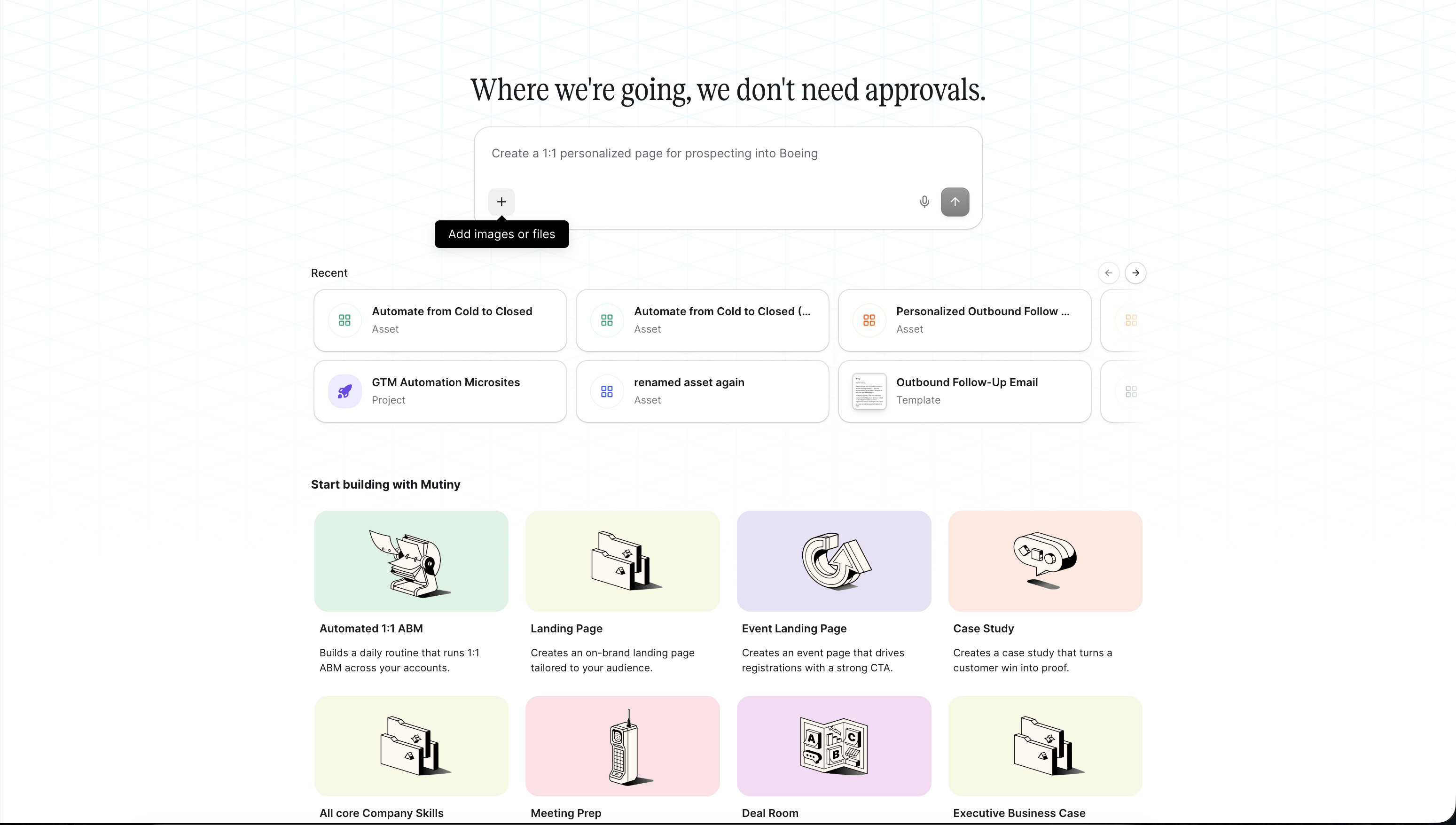
Head to the Home tab and create a new thread with the agent. Describe what you want each asset to be. For example:
Create a personalized asset for each account in the attached list. I want this asset to be a landing page showing how we bring value to this account.
Your prompt will change depending on your use case. In this example, we're creating landing pages that speak to how we solve problems for each target account.
To attach your list, click the plus button in the prompt box and attach a CSV. The agent reads the list and works through it as it creates your assets.
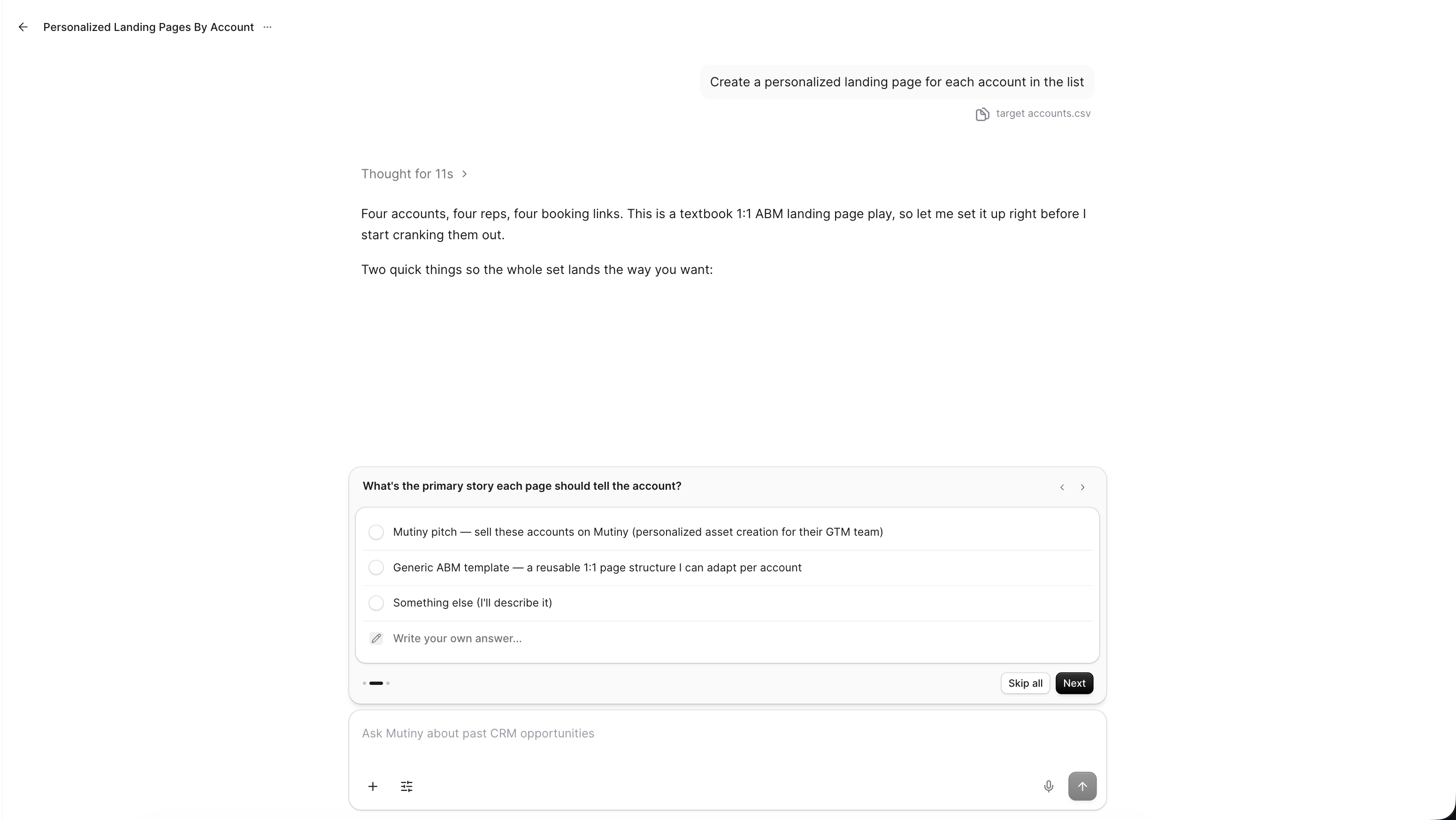
Once you submit your prompt, the agent begins drafting. Every asset lives inside the thread, so they're all in one place as they're built.
The agent may ask clarifying questions during this process; answer these as best as possible to give the agent more context.
If you plan to keep adding accounts to this list or working on these assets, create a project for the thread so you always know where they live.
Reviewing and Editing your Assets
When the agent finishes, you can review each asset individually and make changes, or ask the agent to make a change across every asset at once.
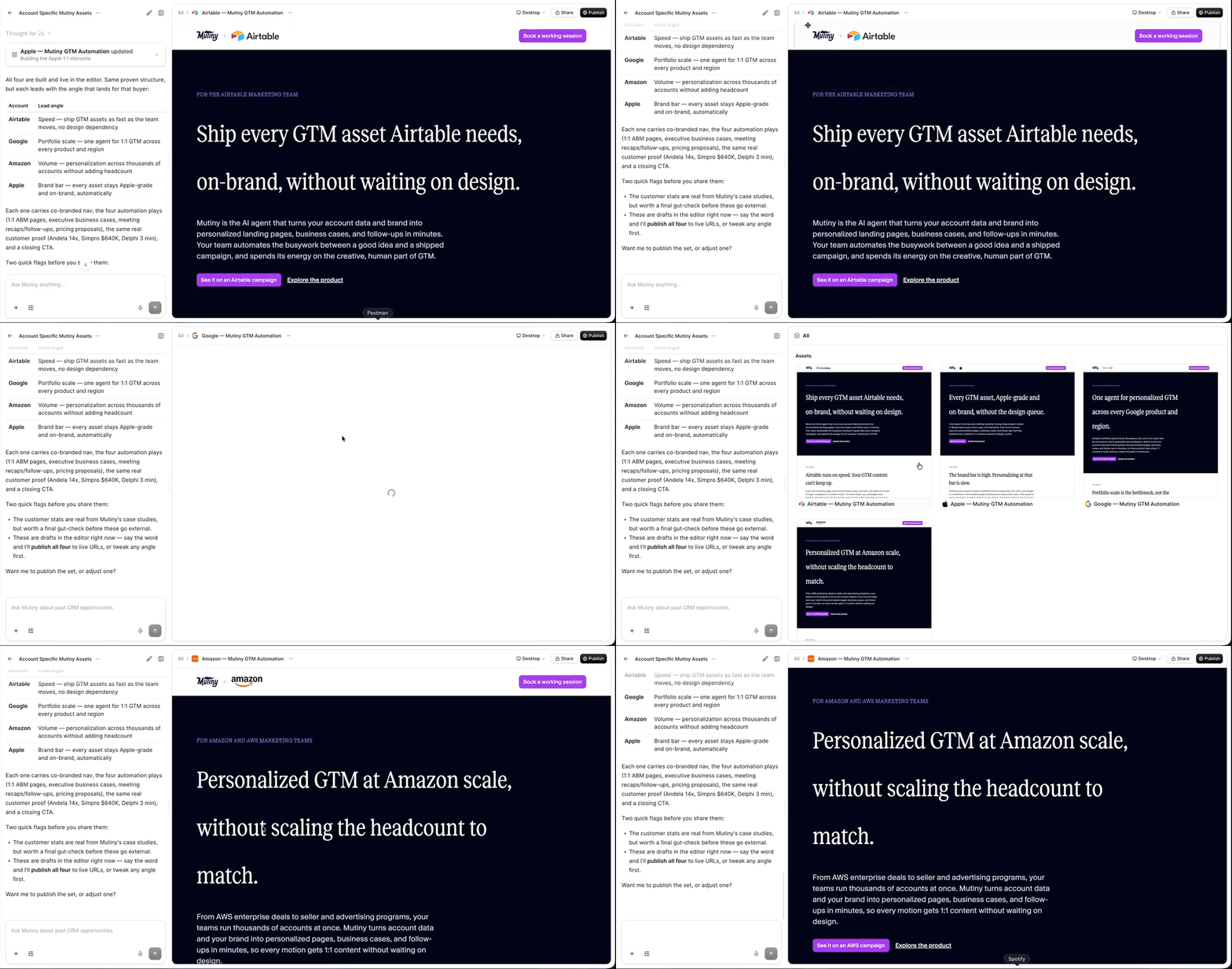
For example, you can ask it to change the CTA text to "Book a meeting", or rephrase the header on all of the assets in one request.
Personalizing with your account data
The agent uses any account-specific details you include in your list, so the personalization goes as deep as your data.
You can also ask the agent to conduct research for each account, allowing the agent to find up-to-date talking points about your target accounts
If your list includes the account executive or account owner for each account, the agent can build that person into the asset. This is super helpful for sections like a book a meeting banner, where the account can book time directly with their account owner instead of going through a generic sales form.
If you have specific talk tracks for each account, include those in the list too and ask the agent to use them as it generates each page.
Publishing and monitoring
Once the assets are created and displaying how you like, you can ask the agent to publish each one so you can then distribute to your target accounts.
Need Help?
If you have questions or need help, the Mutiny Support team is here for you! You can submit a support ticket using the Submit a ticket button at the top of this page, or reach us at support@mutinyhq.com.